
| Key Points | Details to Remember |
|---|---|
| 📘 Definition | Centralizes your notes and schedule on the same platform |
| 🎯 Main Benefits | Save time by planning efficiently and reduce your stress |
| 🛠️ Key Features | Planner, dashboard, and customizable alerts |
| ✅ Best Practices | Customize your slots, track your progress daily |
| 📈 Results | Visualize your progress and boost your motivation |
| 🔒 Accessibility | Access via mobile, tablet, or browser without heavy installation |
The last days before an exam, I always found myself juggling handwritten lists, a paper planner that was too small, and reminders lost in my inbox. Then Scolinfo entered my student life – a bit like a digital personal assistant that forced me to rethink my habits. Here, I tell how this platform got me out of the maze and share my tips to make the most of it.
Somaire
My Starting Point: Hunting Lost Hours
A Scattered Calendar
Every morning, I scanned my planner to see where I stood. But faced with pages blackened with scribbles, I wasted more time deciphering my notes than working on my revisions. One might think a quick glance is enough, but in reality, the lack of an overview is a productivity vacuum.
Too Vague Goals
Before Scolinfo, setting a goal often meant saying “I’ll revise a bit of everything.” The result? Endless sessions without precise focus. The feeling of going in circles was frustrating, especially since I had no indicator to know if I had really progressed.
First Steps with Scolinfo
Discovering the Interface
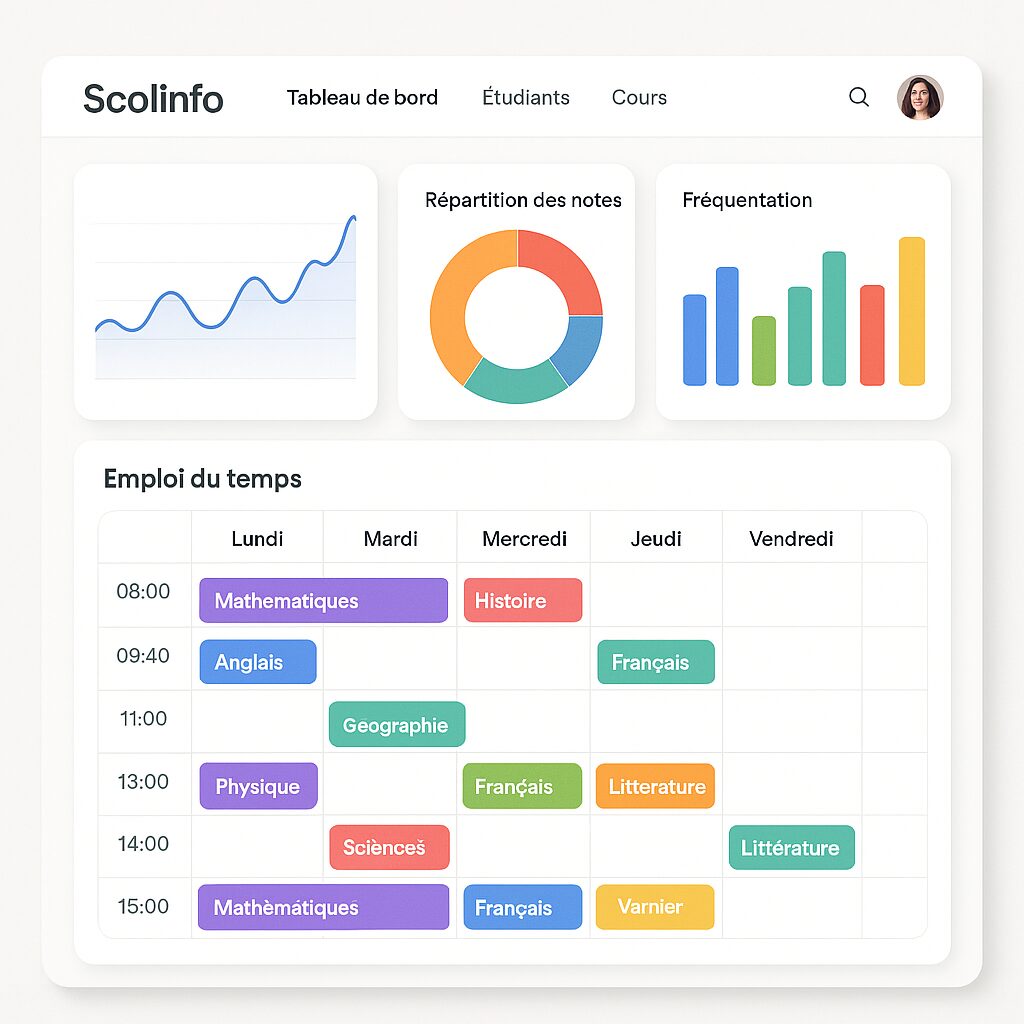
From the very first login, I was surprised by the ergonomics: a clean dashboard, clear icons, color codes for each subject. Rather than a wall of information, Scolinfo offers a visual thread: you see at a glance what is scheduled, what remains to be done, and the free slots.
Custom Settings
One of the advantages is being able to adapt each module to its use. I imported my schedule, defined my working hours, and assigned a weight to each chapter. Once the initial setup was done, the platform transformed into a personalized assistant: it suggested my priorities without me having to reopen a notebook.
Optimized Organization: My New Routines
Energized Planning
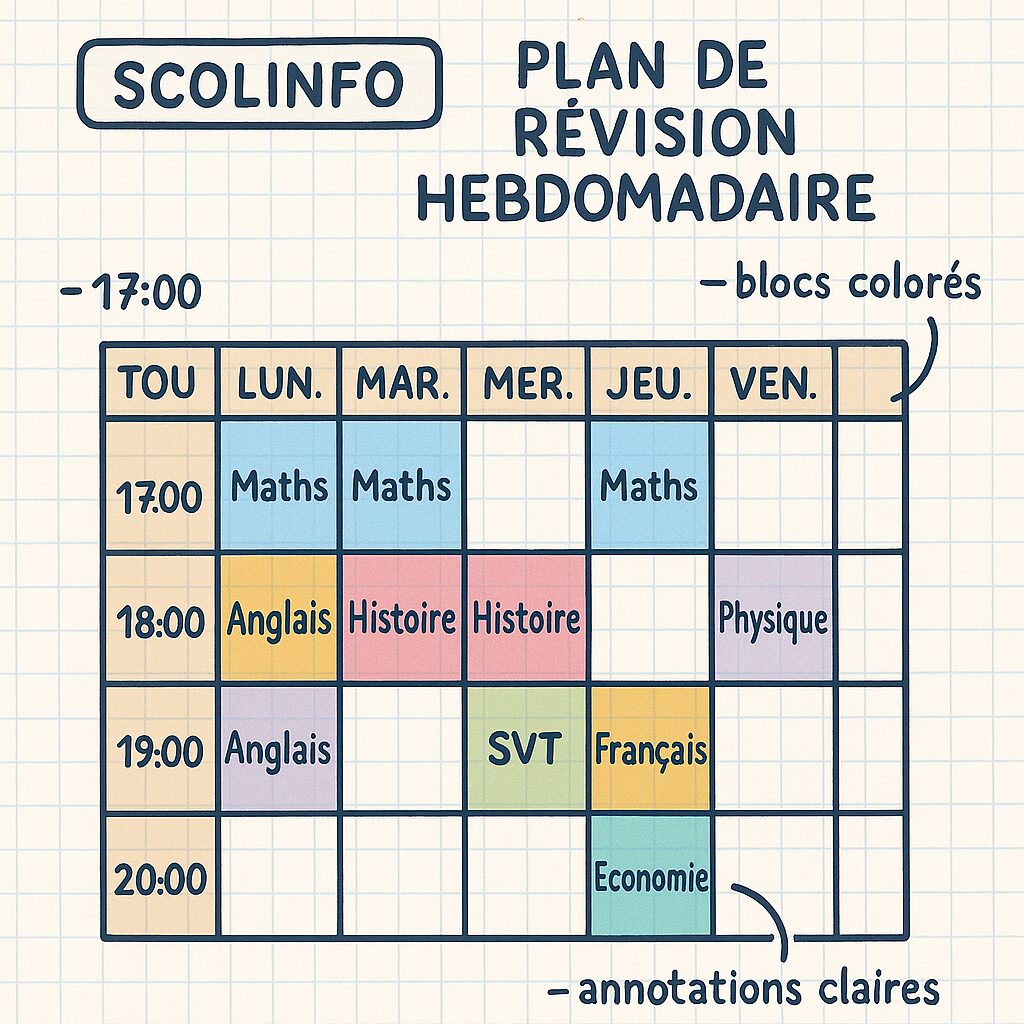
Rather than scheduling three hours in one block, I adopted breaking it down into short 25-minute sessions, followed by 5-minute breaks. This method, integrated into the Scolinfo planner, helped me maintain my focus. Each completed session automatically triggers a checkmark, giving a small feeling of instant accomplishment.
Daily Monitoring and Adjustments
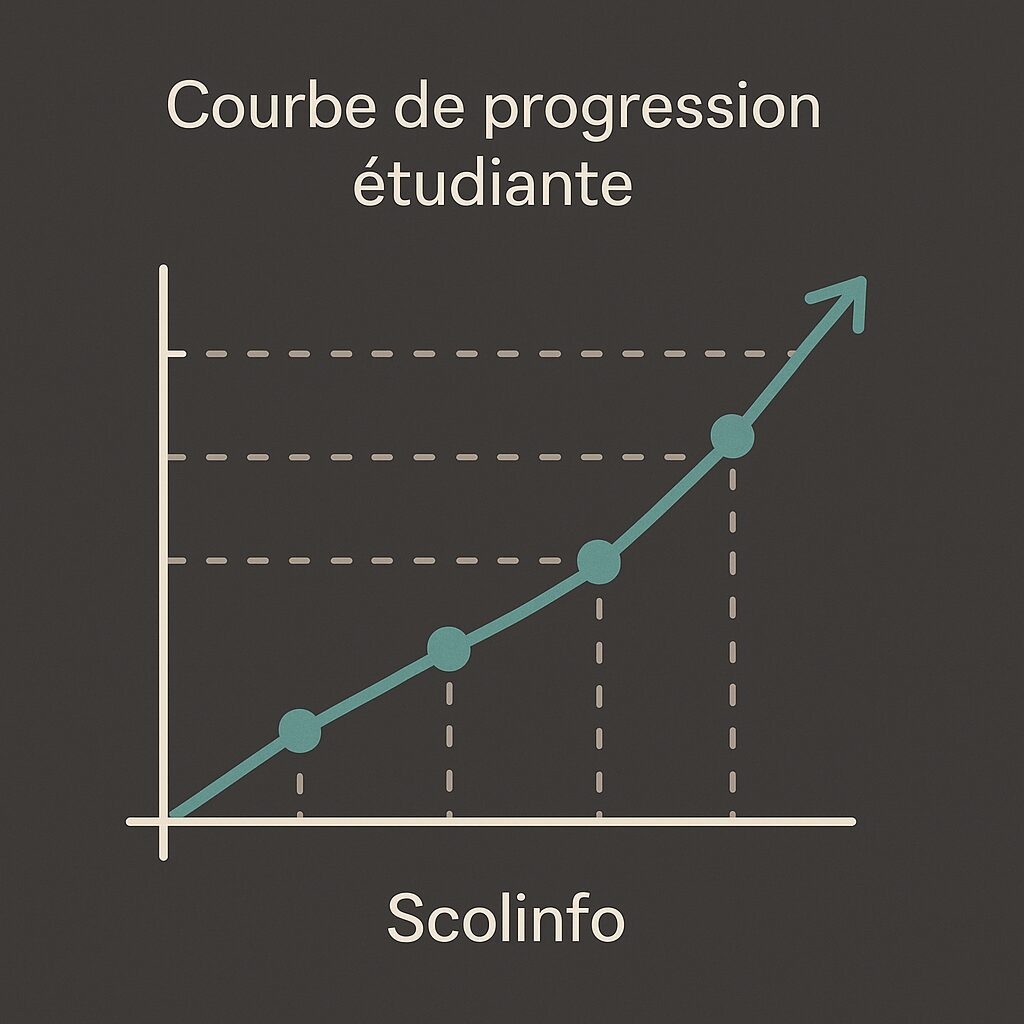
Over the days, I checked my progress chart: it tracked my working hours, covered chapters, and gaps. This transparency was a game-changer for identifying weak points. When I saw a dip during the week, I added a slot effortlessly, directly from the app.
The Features That Make the Difference
Clear and Responsive Dashboard
The dashboard summarizes on a single screen: upcoming deadlines, time already spent, and goals achieved. No longer searching for info turns each opening of Scolinfo into a motivating session, where you immediately know where to focus.
Smart Alerts and Reminders
Those who have already missed a deadline will understand: Scolinfo sends notifications at customizable intervals. A reminder the day before, another two hours before, and even a last nudge right when it’s time to start working. This avoids that last-minute panic where you suddenly think “oh no, I forgot my session.”
Sharing and Collaboration
In a study group, I also appreciated the ability to share a schedule or revision sheets. Each member sees others’ slots and we can coordinate common sessions together. Before, organizing a video conference session was a headache: now, it takes just one click.
Tips to Get the Most Out of Scolinfo
- Color-code your subjects: a visual code avoids confusion and stimulates visual memory.
- Activate notifications for crucial sessions (complex chapter, upcoming exam date).
- Combine with the Pomodoro technique to avoid cognitive overload.
- Reserve “unexpected” slots to catch up on delays or deepen a point.
- Export your schedules in PDF format to print or share easily.
Concrete Results on My Revisions
Measurable Progress
In one month, my actual working time increased by 20% without feeling overloaded. Each validated session on Scolinfo is a milestone that builds confidence: the accumulation of small victories creates positive momentum.
Motivation and Self-Confidence
Seeing the progress curve climb day after day turns studying into an exciting challenge. I no longer wait until the day before the exam to start: I adopted a regular rhythm, with the certainty that with each session, I get closer to the goal.
FAQ
How long does it take to set up Scolinfo?
Less than 10 minutes to import your schedule and define your subjects. Then, you adjust as you go along.
Is the platform free?
The basic version is accessible for free, with premium options for advanced charts or priority support.
Can I sync Scolinfo with other calendars?
Yes, you can connect your account to Google Calendar or Outlook in a few clicks to centralize all your appointments.
Is it suitable for group use?
Absolutely: schedule sharing is designed to facilitate collaborative work and joint review sessions.
