
| Key points | Details to remember |
|---|---|
| 🔒 Private browsers | Incogniton and Ghost Browser offer advanced isolation to manage multiple sessions. |
| ⚙️ Features | Profile management, tab groups, and automation optimize your workflow. |
| 🚀 Performance | Loading speed and memory consumption vary depending on usage and architecture. |
| 🔗 Integrations | Third-party extensions and APIs facilitate adaptation to your specific needs. |
| 💰 Pricing | Freemium models and monthly subscriptions can become costly depending on your requirements. |
| 👥 Use cases | Digital marketing, web testing, or simple private browsing each find their solution. |
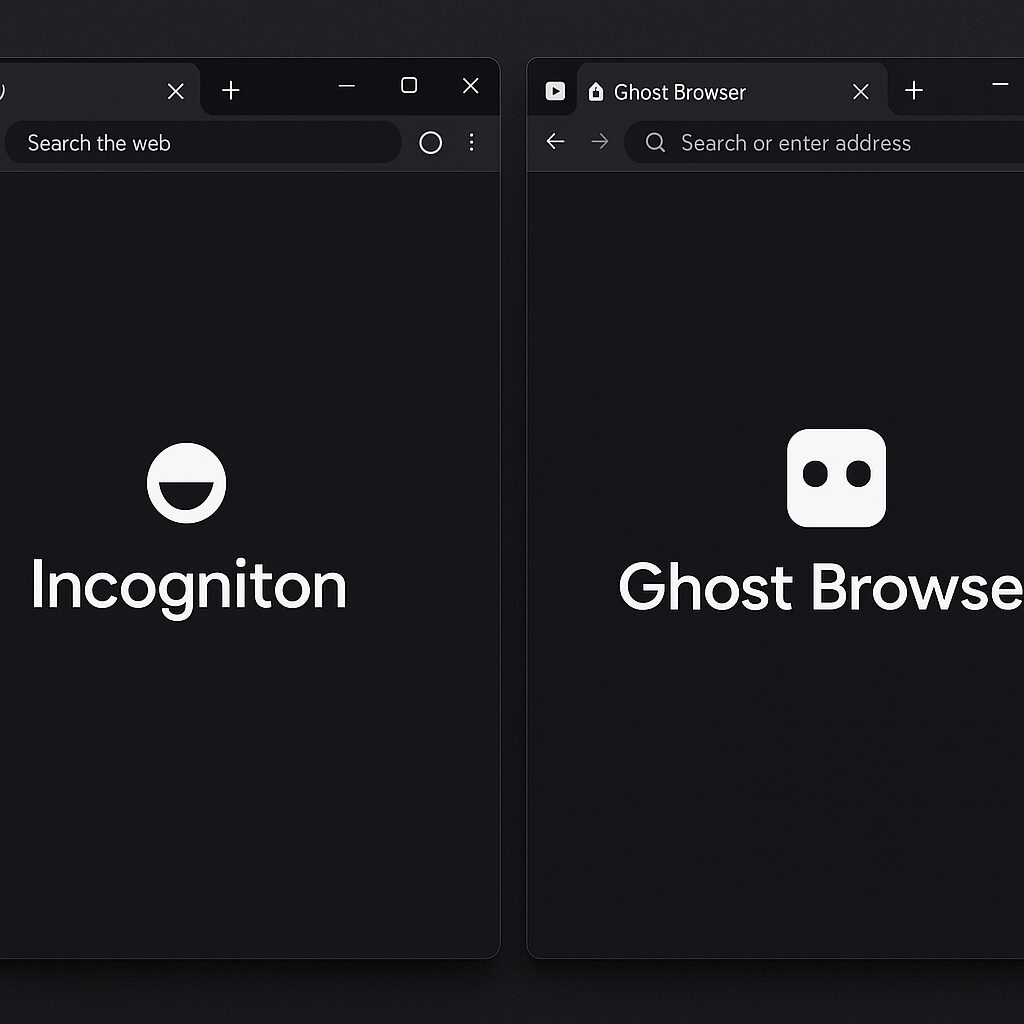
When juggling dozens of client accounts or simply wanting to separate professional and personal life, the simple window of a classic browser is no longer enough. Incogniton and Ghost Browser have emerged to fill this need: each promises hassle-free multi-profile private browsing. Which one performs best? Throughout this comparison, we dive into their particularities, strengths, and compromises to anticipate before making your choice.
Somaire
Why choose a multi-account private browser?
The stakes of online privacy
At a time when advertising trackers and analytics scripts are becoming increasingly intrusive, isolating each browsing session becomes almost a professional reflex. Not to mention personal data scattered at every connection. A browser dedicated to privacy allows you to bypass third-party cookie tracking and prevent automated tracking. In other words, you provide yourself with a healthier environment by limiting information leaks.
One might think that a simple “incognito” mode is enough, but in practice, it protects neither your internet provider nor the sites you visit against complex fingerprinting. This is where more advanced solutions come into play, with complete profile isolation and advanced digital fingerprint management.
Multi-accounts: an asset for digital marketing
For a SEA expert or a community manager, manually switching between multiple Google Ads or Facebook Ads accounts breaks the rhythm and generates errors. These multi-account private browsers allow grouping sessions by tabs or windows, ensuring each login remains compartmentalized. Result: more time saved, fewer login errors, and boosted productivity.
Overview of Incogniton
Main Features
Incogniton focuses on a streamlined interface, centered around configurable “profiles” set up in just a few clicks. Each profile manages its own fingerprint (user agent, time zone, cookies). In the end, you get completely autonomous environments that can be duplicated or exported as needed. Native extensions like an ad blocker and a cookie manager enhance privacy without overloading the installation.
Ergonomics and Interface
Beginners will appreciate the profile creation logic in the form of thumbnails, almost playful. More experienced users will turn to the advanced menu to customize every detail (geolocation, active or inactive plugins, etc.). Loading times remain consistent, even with twenty profiles open simultaneously.
Security and Privacy
Beyond isolation, Incogniton locally encrypts certain sensitive data and integrates an optional VPN module. If you are also looking to encrypt your entire connection, feel free to check our dedicated page on Reliable Free VPNs in 2025 to find out if free can really deliver on the promise of anonymity.
Focus on Ghost Browser
Key Features
Ghost Browser adopts a more “power user” oriented approach, with the concept of “Projects” to group tabs and sessions. Each project retains its extension landscape and cookie logic but also offers a minimalist script automation tool. For example, you can trigger an automatic login or a series of scheduled visits.
Flexibility and Integrations
Open APIs and command-line commands appeal to developers who want to control Ghost Browser from an external script. Furthermore, integration with screenshot tools or automated testing (Selenium, Puppeteer) makes it a valuable ally for QA and front-end integrators.
Community and Support
Ghost Browser enjoys an active community on Discord and GitHub, where each update is discussed live. Official support generally responds within 24 hours, and video tutorials complement the written documentation to facilitate mastering advanced features.
Incogniton vs Ghost Browser: Detailed Comparison
Profile Management
Incogniton opts for a very accessible graphical view, ideal when starting out. Ghost Browser prefers the rigor of a project listing, more flexible but sometimes confusing. In practice, if you manage fewer than ten accounts, Incogniton will seem more intuitive. For several dozen, Ghost Browser wins in organization.
Speed and Performance
In our tests, Incogniton proved slightly lighter on CPU usage, while Ghost Browser uses a bit more as soon as you exceed fifteen simultaneous tabs. However, Ghost Browser restarts a project almost instantly thanks to its snapshot method, which reduces latency between sessions.
Extensions and Compatibility
Both browsers are based on Chromium, allowing them to support almost all Chrome extensions. Incogniton offers a limited catalog to maintain stability, whereas Ghost Browser allows free installation of any add-on, sometimes at the risk of bugs or conflicts.
Pricing and Business Models
Incogniton offers a free “Starter” plan limited to three profiles, then a monthly subscription around €15. Ghost Browser unlocks two projects for free, then charges €12 per month for about ten projects. In practice, Ghost Browser’s annual subscription becomes more economical if you multiply sessions.
Which Tool to Choose According to Your Needs?
For Marketing Professionals
If your priority is to quickly segment audiences and test ads with multiple identities, Incogniton scores points thanks to its ease of profile creation. Its visual UI speeds up onboarding and limits configuration errors.
For Web Developers and Testers
Ghost Browser, with its APIs and support for automation scripts, is better suited to DevOps workflows. It integrates easily into a CI/CD chain or a unit testing environment. The icing on the cake, project snapshots avoid having to reconfigure everything at each build.
For Daily Use
If your usage remains moderate— a few email accounts, social networks, and some project management tools—Incogniton provides the right amount of privacy and efficiency without weighing down your workstation. However, if you are already used to installing lots of extensions, Ghost Browser won’t hold you back.
FAQ
- Incogniton or Ghost Browser, which is more secure?
Both use Chromium and locally encrypt certain data, but Incogniton includes an optional VPN while Ghost Browser focuses on project isolation. - Can profiles be migrated from one to the other?
A JSON export allows manual transfer of configurations from Incogniton to Ghost Browser, but some advanced options may require adjustments. - Is there a mobile version?
No, these browsers are designed for desktop use. For mobile, it’s better to turn to a native privacy browser like Firefox Focus. - Is their freemium model sufficient to start?
Yes, to evaluate the basics of multi-account browsing. Beyond three to five simultaneous sessions, a subscription quickly becomes necessary. - What open source alternative?
Firefox Multi-Account Containers offers tab-based compartmentalization, but without the automation features or project interface of the two compared solutions.
