
| Key Points | Details to Remember |
|---|---|
| 🔍 Definition | Identify the two emulation approaches |
| 🎨 Visual Quality | Compare fidelity and aliasing |
| ⚙️ Operation | Understand FPGA vs CPU architecture |
| 📈 Performance | Measure latency and framerate |
| 💡 Use Cases | Analyze retro gaming and prototyping |
| 🔮 Perspectives | Anticipate evolutions and hybrids |
FPGA emulation reproduces hardware behavior with near-mathematical precision, while software emulation relies on algorithms interpreting machine code. For visual quality, FPGA often offers a more faithful rendering, but software wins in flexibility and accessibility.
Somaire
What is FPGA emulation and software emulation?
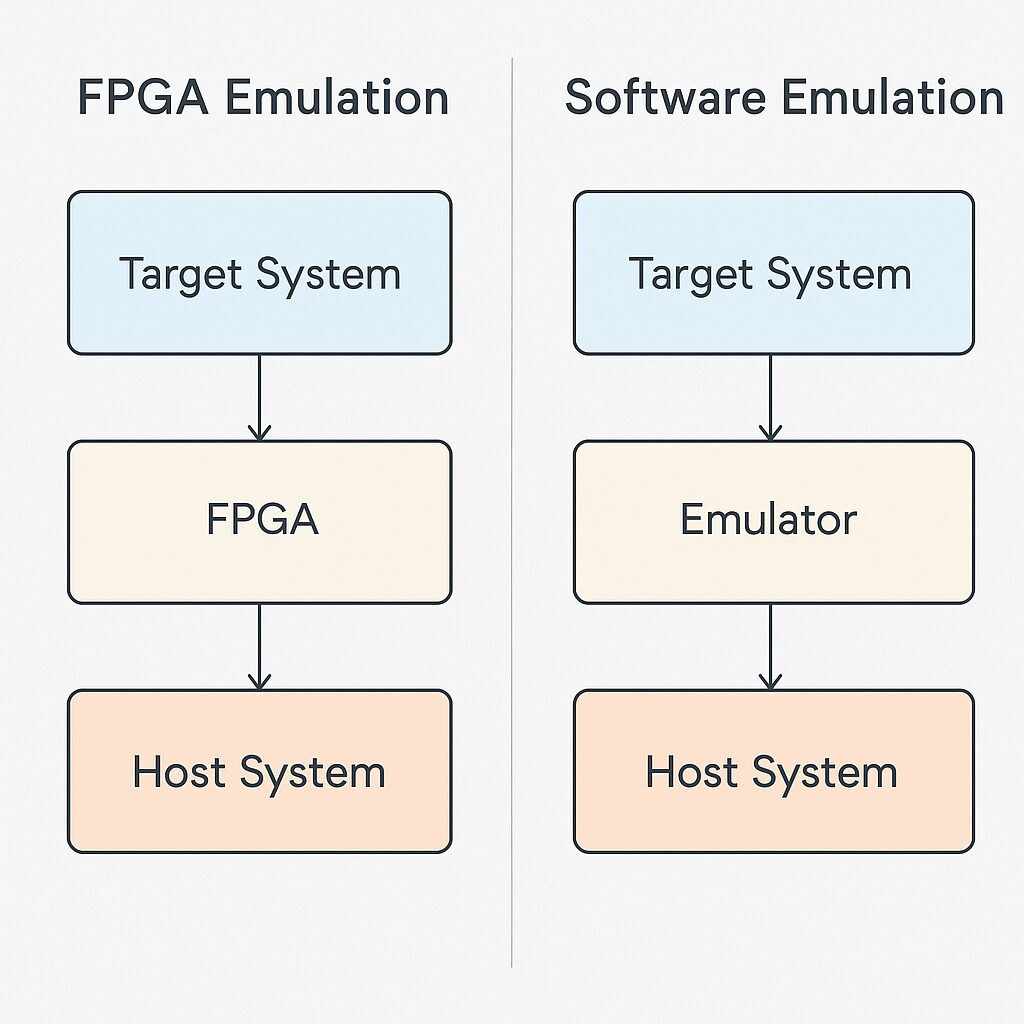
One is based on a programmable hardware implementation, the other on a program running on a standard processor. Both aim to simulate an original system but differ fundamentally.
Architecture and principle of FPGA emulation
An FPGA (Field-Programmable Gate Array) contains logic blocks that are configured to mimic each component of an original integrated circuit. This approach faithfully recreates timings, data buses, and interrupts—in other words, the “virtual silicon.”
According to the Electronic Frontier Foundation, the timing precision of an FPGA can reach the nanosecond, whereas a software emulator remains dependent on the CPU cycle.
How software emulation works
Software emulation translates machine instructions into software calls, manages memory, and renders the graphical output via an API (OpenGL, DirectX). Real-time interpretation involves trade-offs between speed and accuracy.
- Double instruction conversion: decoding then execution
- Post-processing interpolation or filtering to smooth the image
- Shader modules to recreate original effects
Comparison of visual quality
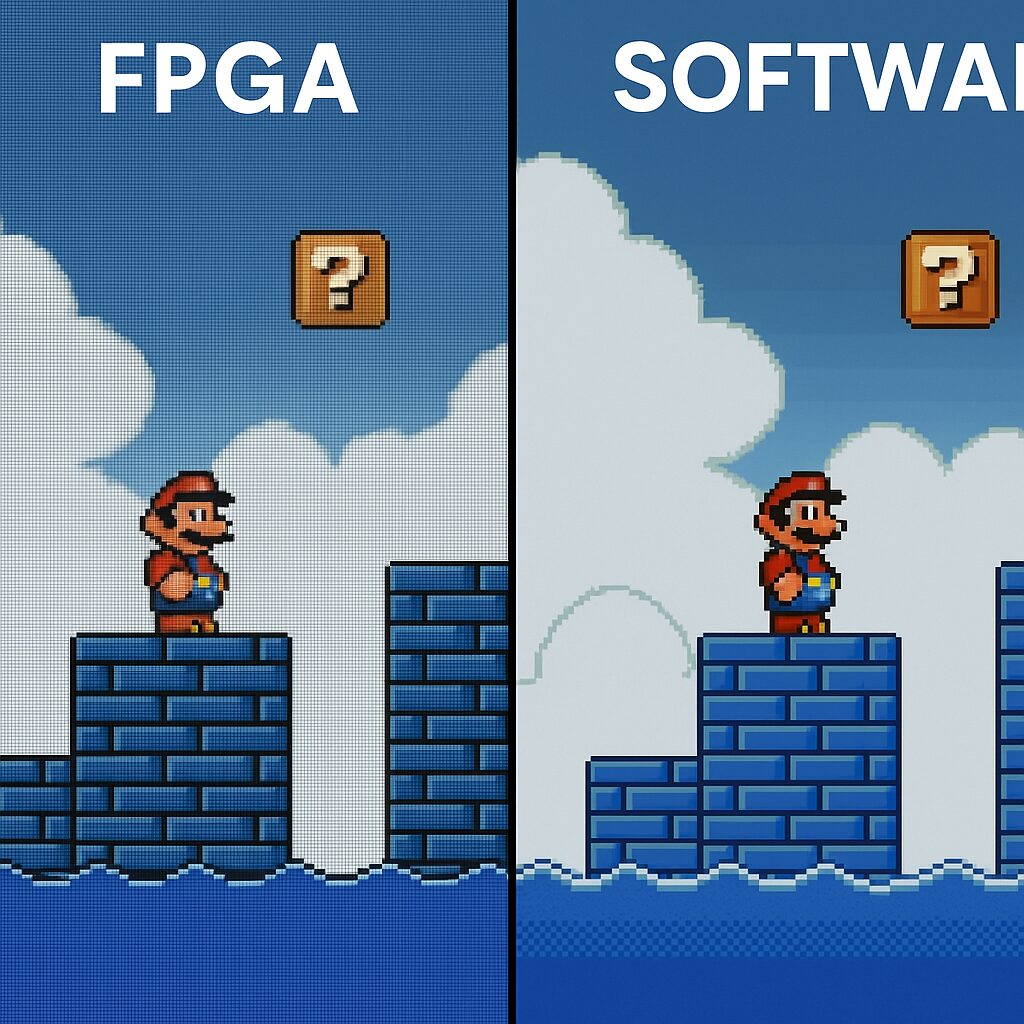
The battle is played on pixel fidelity, artifact management, and smoothness. Each approach has its strengths and limits.
| Criterion | FPGA | Software |
|---|---|---|
| Temporal fidelity | Cycle-accurate reproduction | Depends on host framerate |
| Graphic artifacts | Preserves original glitches | Automatic cleanup possible |
| Smoothing and filtering | External processing required | Real-time integrated shaders |
| Native resolution | Exact to source hardware | Dynamic upscaling |
| Latency time | Minimal, close to hardware | Variable depending on CPU/GPU |
Visual advantages of FPGA
Recapturing CRT flicker, preserving historic tearing—that is the FPGA credo. Purists appreciate this virtual authenticity, even if it sometimes includes original flaws.
Limits and strengths of software emulation
Software emulators willingly fill gaps: bicubic filtering, antialiasing, AI upscaling. The rendering appears cleaner and often more modern, but at the cost of a slightly reworked vision, further from the original hardware.
Use cases and feedback
Retro consoles, arcade boards, circuit prototyping: each field reveals a specific need. Developers and collectors often share a strong opinion.
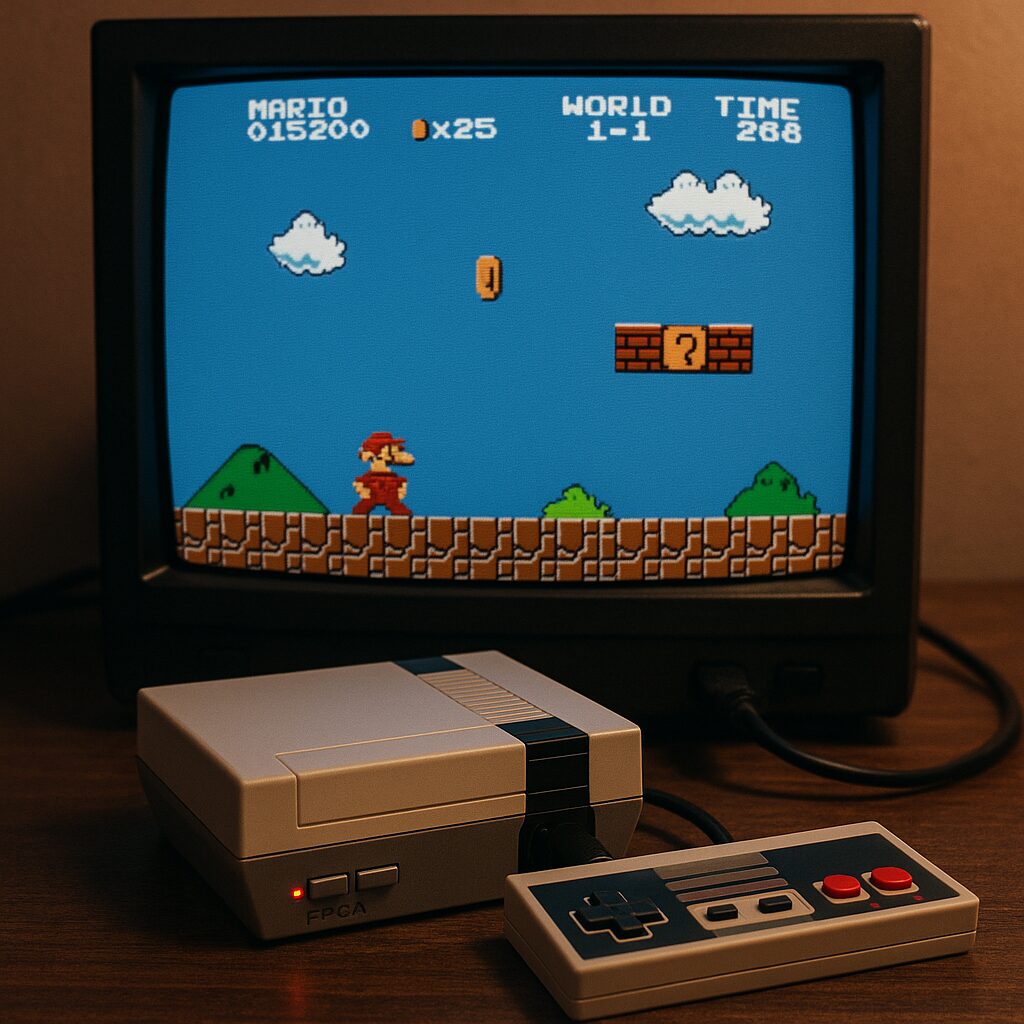
- Retro gaming: hardcore players prefer FPGA for authentic immersion.
- Software testing: software emulation facilitates debugging and snapshots.
- Rapid prototyping: software allows validating multiple designs before FPGA transfer.
“On my homebrew arcade cabinet, the FPGA makes all the difference. Nothing flickers better than the original,” says an enthusiast on a specialized forum.
Technical challenges and perspectives
The future could see the emergence of hybrid solutions. An FPGA core controlled by a software layer would smooth updates and add AI post-processing tools without sacrificing precision.
- FPGA “over the air”: firmware updated to correct timings.
- Software emulation accelerated by FPGA: reducing CPU load.
- AI integration: contextual filtering and texture restoration.
To remember
- FPGA = maximum hardware fidelity, respecting every cycle.
- Software emulation = flexibility, filtering, and resolution upscaling.
- Choice dictated by use: authenticity vs visual comfort and speed.
- Hybrid solutions in development to exploit the best of both worlds.
FAQ
1. Is FPGA emulation always more precise than software?
Yes, it recreates the original circuit at the hardware level, which guarantees cycle-accurate synchronization, including artifacts.
2. Can the visual quality of a software emulator be improved?
Absolutely: filters, shaders, and AI upscaling allow the image to be modernized, sometimes at the expense of authenticity.
3. What is the impact on latency?
The FPGA offers very low, almost imperceptible latency, while software latency varies depending on CPU/GPU power.
4. Which devices support FPGA emulation?
Dedicated cards like MiSTer, modular systems, and some next-generation consoles integrate FPGAs.
5. Is specific knowledge required to configure an FPGA?
Expertise in VHDL or Verilog is recommended, but ready-to-use distributions greatly simplify the process.
{
“@context”: “https://schema.org”,
“@type”: “WebPage”,
“about”: {
“@type”: “Thing”,
“name”: “FPGA Emulation vs Software”
},
“keywords”: [“FPGA emulation”, “software emulation”, “visual quality”, “performance”, “retro gaming”]
}
