
Summary: “127.0.0.1:49342” refers to a loopback address (localhost) and a specific TCP port. The address 127.0.0.1 never leaves your machine: only your computer can connect to it. The port 49342 falls within the so-called dynamic/ephemeral range (49152–65535). These ports are often assigned automatically to outgoing connections, but nothing prevents a local development service from listening on them. This guide explains what it means, when you encounter it, how to use it, and how to troubleshoot.
Somaire
Understanding 127.0.0.1 and ephemeral ports
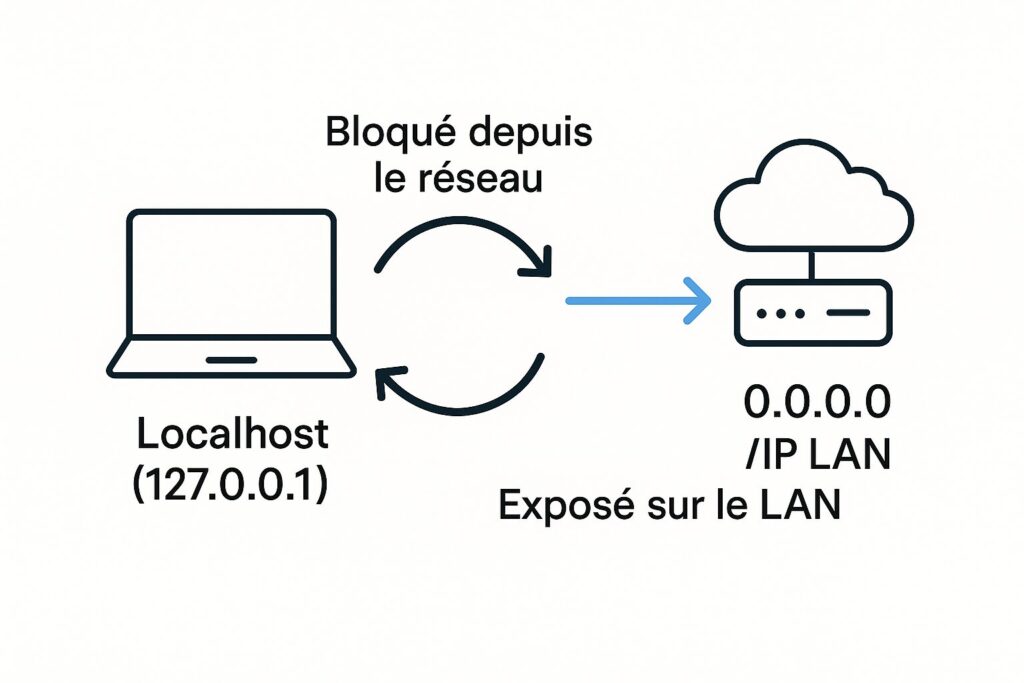
127.0.0.1 (alias localhost) always points to the local network stack. It is used to test applications without network exposure.
A port identifies a service within a machine. Systems divide ports into three classes: well-known (0–1023), registered (1024–49151), and dynamic/private (49152–65535). Port 49342 belongs to the last category.
Why “49342”?
In logs, debugging tools, or error messages, you encounter 127.0.0.1:49342 when a local process is listening on it, or when the system assigns it as the source port of an outgoing connection. Since this choice is dynamic, 49342 has no reserved functional meaning.
127.0.0.1 is not the Internet
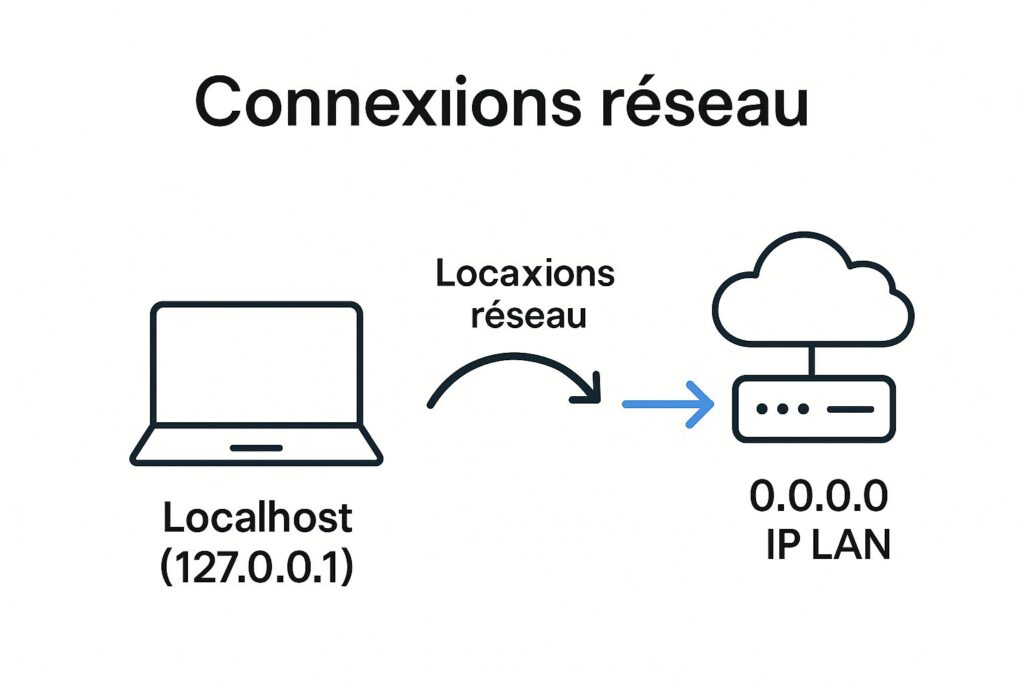
A service bound to 127.0.0.1 is accessible only from the local machine. Conversely, 0.0.0.0 or an IP of your interface (e.g., 192.168.1.10) expose the service to the network. This distinction explains many “it works on my machine” cases: the tool works on localhost but no one else can access it.
Concrete use cases for developers
PHP: built-in server
cd /path/to/your/project
php -S 127.0.0.1:49342 -t public
Opens a local HTTP server on port 49342, root public. Convenient for quick testing without Nginx/Apache.
Python: simple HTTP
cd /path/to/static
python3 -m http.server 49342 --bind 127.0.0.1
Starts a simple server. The --bind 127.0.0.1 option prevents accidental exposure on other interfaces.
Node.js / Express
const express = require('express');
const app = express();
app.get('/', (req,res)=>res.send('OK'));
app.listen(49342, '127.0.0.1', () => { console.log('http://127.0.0.1:49342'); });
Explicit binding to 127.0.0.1 to stay local during development.
Clients and ephemeral ports
When your application acts as a client, the system often chooses an ephemeral source port (e.g. 49342) to establish the outgoing connection. This is normal and temporary; do not confuse it with a service that is “listening”.
Security: what 127.0.0.1 protects… and what it does not protect
- Network isolation: a service bound to
127.0.0.1is invisible from the network. - Attack surface reduction: useful during dev/QA, even with a lax firewall.
- Limits: if malicious software runs locally, it can connect to
127.0.0.1:- Exploitation of an open debug service (admin consoles without authentication).
- Local SSRF in a browser or app that allows requests to localhost.
- Uncontrolled extensions/API providers.
Best practices: explicitly bind your dev services to 127.0.0.1 (or ::1 in IPv6), require authentication for any sensitive action, do not disable the firewall to “troubleshoot”, and stop unnecessary services after use.
Quick troubleshooting
Common symptoms
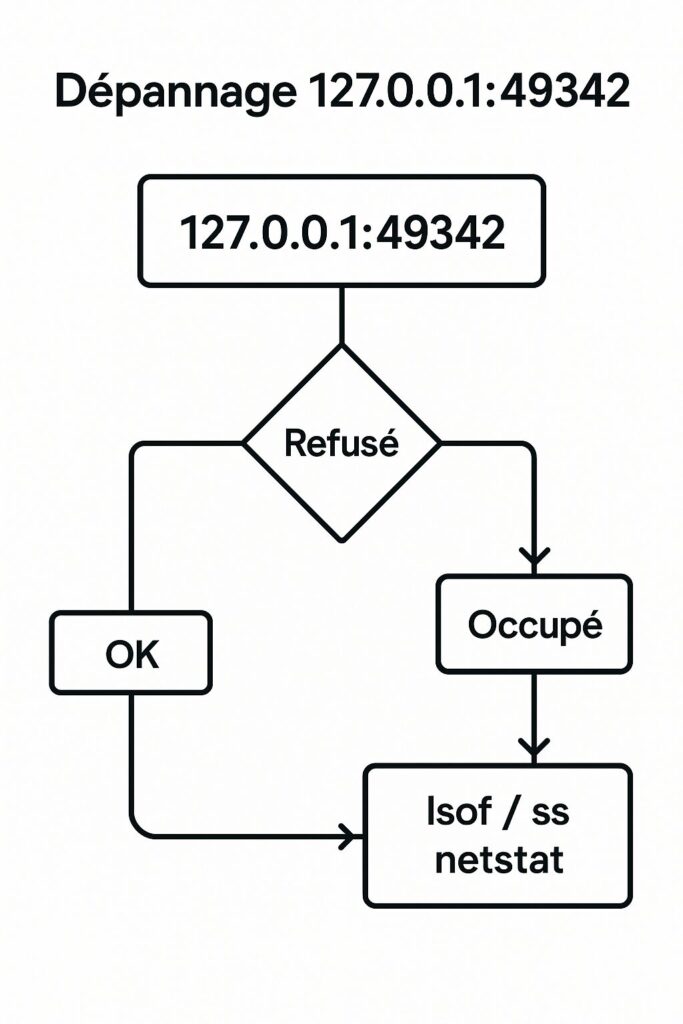
connection refused→ nothing is listening on 49342.address already in use→ the port is already occupied.- “It works on my machine but not elsewhere” → service bound to 127.0.0.1 instead of a network IP.
- White page/404 → document root (
-t public) or route misconfigured.
Identify the process occupying 49342
Linux/macOS
sudo lsof -iTCP:49342 -sTCP:LISTEN -P -n
sudo ss -ltnp | grep :49342
Windows (PowerShell or CMD)
netstat -ano | find ":49342"
tasklist /FI "PID eq <PID>"
Then stop the process (or change the port) and restart your service.
Check the binding
- Is your service listening on 127.0.0.1 or 0.0.0.0?
- If a colleague needs access: bind to the network IP (e.g. 192.168.x.y) + open the port in a controlled way (firewall, VPN, SSH tunnel), never in production without authentication.
Choose another port properly
- Automatic: let your tool choose a free port (often
0→ auto assignment). - Manual: prefer a free port in 49152–65535 (e.g. 49343), then update the configuration.
Table “What to do when…”
| Problem | Likely cause | Diagnosis | Fix |
|---|---|---|---|
connection refused | Nothing is listening | curl -v http://127.0.0.1:49342, ss -ltnp | Start the service on 49342 |
address already in use | Port occupied | lsof -iTCP:49342 -sTCP:LISTEN | Kill/stop the offending process or change port |
| Accessible locally only | Bound to 127.0.0.1 | ss -ltnp (Local Address) | Bind to 0.0.0.0 or LAN IP if needed |
| 404/missing resources | Wrong root | Check -t/document root | Fix path (e.g. -t public) |
| Slowness | Dev build/Proxy | Logs/Profiler | Disable heavy sourcemaps, simplify proxy |
Ready-to-use complete examples
PHP (router for SPA)
<?php
// router.php
$path = parse_url($_SERVER["REQUEST_URI"], PHP_URL_PATH);
if (file_exists(__DIR__."/public".$path)) return false;
require __DIR__."/public/index.html";
php -S 127.0.0.1:49342 router.php
Node.js (local API + restricted CORS)
const express = require('express');
const app = express();
app.use((req,res,next)=>{ res.set('Access-Control-Allow-Origin','http://127.0.0.1:49342'); next(); });
app.get('/api/ping', (req,res)=>res.json({pong:true}));
app.listen(49342,'127.0.0.1');
Python (quick local self-signed HTTPS server)
openssl req -x509 -newkey rsa:2048 -nodes -keyout key.pem -out cert.pem -days 1 -subj "/CN=localhost"
python3 - <<'PY'
import http.server, ssl, socketserver
h=http.server.SimpleHTTPRequestHandler
with socketserver.TCPServer(("127.0.0.1",49342),h) as httpd:
    httpd.socket = ssl.wrap_socket(httpd.socket, server_side=True, certfile="cert.pem", keyfile="key.pem")
    print("https://127.0.0.1:49342"); httpd.serve_forever()
PY
FAQ
Is 127.0.0.1:49342 accessible from the Internet? No. 127.0.0.1 is local only. To expose it, you would need to bind to a network IP and open/map the port. Should I open 49342 in the firewall? No for a strictly local service. Open a port only if you have an explicit reason and control access properly. What is the difference between 127.0.0.1:49342 and 0.0.0.0:49342? 127.0.0.1: local loopback only. 0.0.0.0: all interfaces (LAN/WAN), thus potentially accessible by other machines. Why does 49342 appear in my logs? Often an ephemeral port used as the source port of an outgoing connection, or a temporary dev-server. Can I use 49342 in production? Technically yes, but prefer documented ports; enforce authentication/TLS/logging/monitoring and avoid any debug service.
