
By Gallica
A technical journey into the heart of Amiga 500 hardware, to understand how the Denise chip and the Copper allow displaying far more than 32 colors or 8 sprites, pushing all the graphical limits of the machine.
Somaire
I. The graphical core of the Amiga: Denise & the Copper
- Denise is the main video chip: it manages bitplanes (up to 6 on the A500), hardware sprite multiplexing (8 simultaneous per line), prioritization, scrolling, and the final image composition.
- Copper (video co-processor integrated into Agnus): it runs in parallel with the CPU. Its purpose: to write, at precise moments during image generation (by “raster”), into the chipset registers to modify on the fly the colors, video modes, bitplane addresses, etc.
Key to Amiga’s power: at each scanline, or even pixel, the Copper can modify the palette, change mode, trigger interrupts… thus offering almost unlimited expressiveness with a slow CPU.
II. Multiplying colors on screen: Copper tricks & split palette
1. Palette operation on Denise
In standard 5 bitplanes mode (32 simultaneous colors out of 4096), Denise displays the image in RAM according to an index in a 32-color table (“Color00” to “Color31”).
Normal limit: each pixel can reference 1 color out of 32.
But…
2. Using the Copper for “raster color changing”
- The Copper can execute a list of instructions (“Copperlist”) synchronized with the screen scan (the raster beam).
- At each scanline (or even each portion of a line), it can rewrite the color registers (
$DFF180to$DFF1BE). - Consequence: the same “Color 01” will display a different shade at the top, middle, bottom…
- If the entire or part of the palette is changed each line, each horizontal band of the screen can have its own colors.
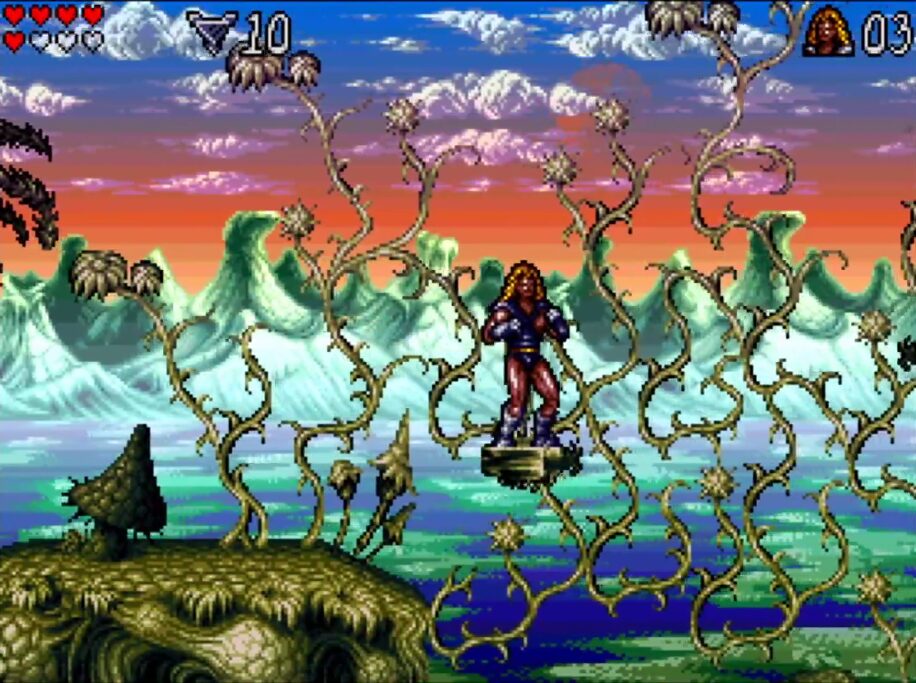
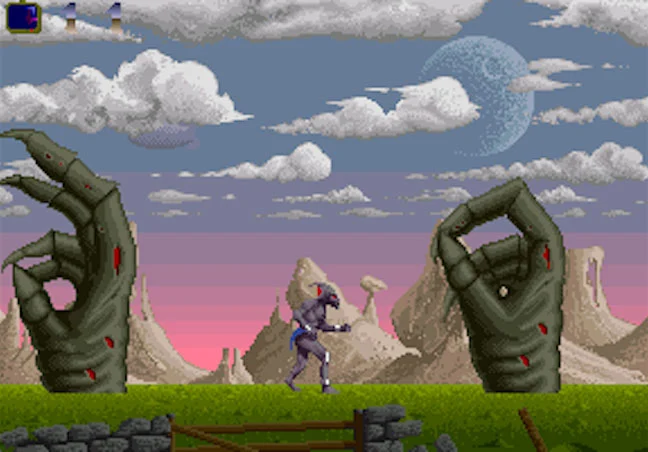
Example: by changing 16 colors every 4 lines on a 256-line screen, hundreds of real colors can be displayed (“rainbow effect”, gradients, “sky gradients” in Shadow of the Beast or Lionheart).
3. “Copperbars” and raster effects
- Changing the palette every x lines = color bars (“copperbars” classic in demos)
- Dynamically change the palette based on a precalculated table = “fire” effects, plasma, rainbow gradients (State of the Art, Arte…)
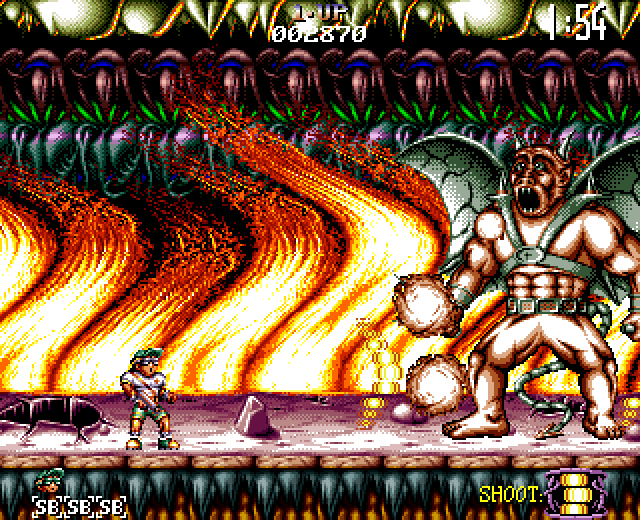
- You can combine the copper with the blitter for animated distortion or split screen effects (example: sky gradients in Agony, Enigma)
4. HAM Mode (Hold-And-Modify) and Copper
- HAM mode allows 4096 simultaneous colors (limited by artifacts).
- You can combine copper to change the bit order or the “base” palettes on the fly (advanced demomaker tricks).
5. Example of a copperlist
CWAIT   $2C, $20      ; Wait for line 44, column 32
CMOVE   COLOR01, $F00 ; Change color 1 (red)
CWAIT   $34, $20
CMOVE   COLOR01, $0F0 ; Change color 1 (green)
CWAIT   $3C, $20
CMOVE   COLOR01, $00F ; Change color 1 (blue)
This code changes color #1 at three different vertical positions to display red, green, and blue bands.
III. Exceeding the 8 hardware sprite limit: multiplexing and tricks
1. Official limit
Denise handles 8 hardware sprites per line, each up to 16×256 px (4-color mode, pairing possible for 16 colors but fewer sprites).
2. Multiplexing techniques
- Changing sprite address “on the fly” (via Copper or interrupt): when the raster finishes displaying a sprite on one line, the Copper rewrites its address to display another image lower down, on another line (“sprite multiplexing” like on the C64, but hardware-based on Amiga!).
- Blitter objects: in addition to the 8 sprites, the blitter can copy graphics on the fly into bitplanes, simulating software sprites at very low CPU cost (used in Ruff’n’Tumble, Uridium 2, Agony…)
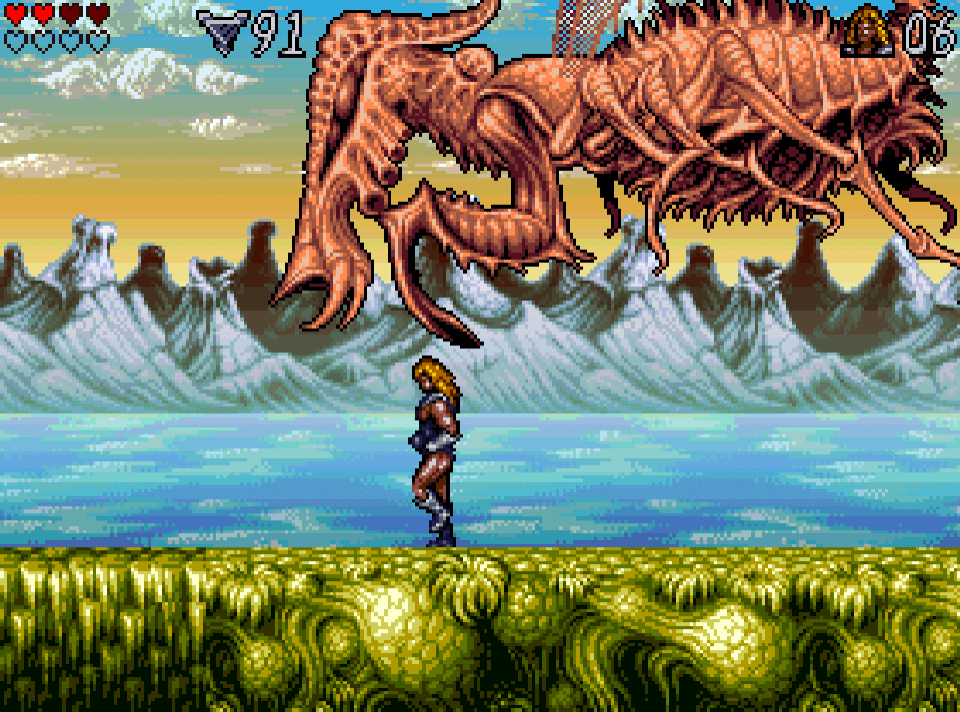
- Animated bitplanes: some games use entire bitplanes to simulate “large” sprites or effects (clouds in Shadow of the Beast, bosses in Lionheart…)
Concrete example: in Agony, the Copper is used to multiplex sprites to display 16 different birds, the blitter copies shots, and the split palette energizes the background.
3. Priority and tricks to avoid conflicts
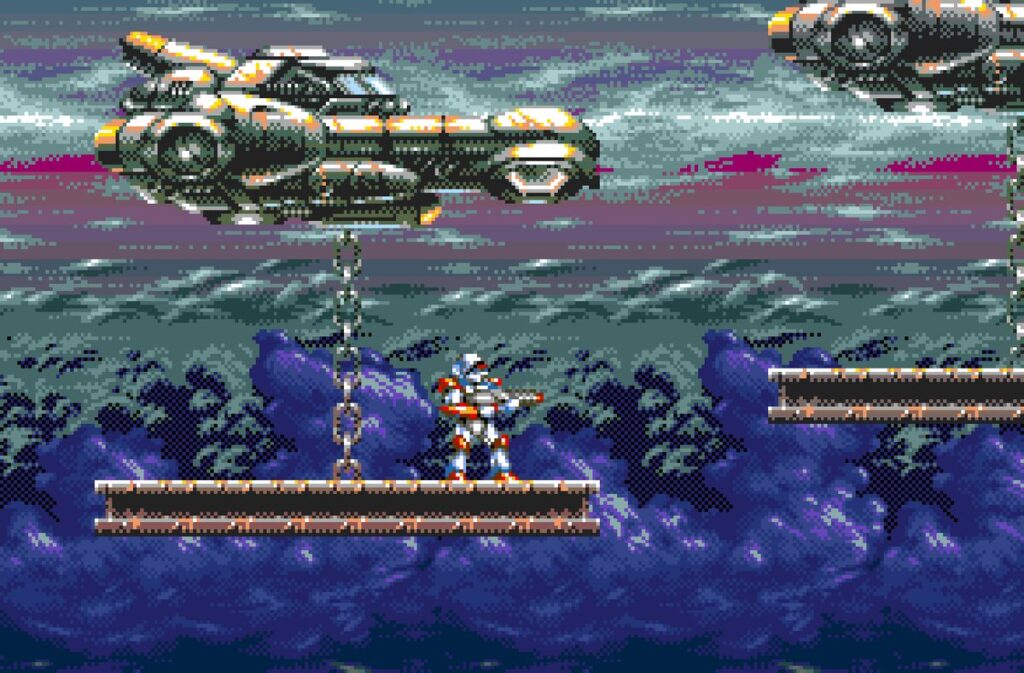
- Good planning of the “sprite slot” so that enemies and shots never appear on the same vertical line (or use of “cut”/multiplexed sprites via Copperlist).
- Sprites also used for HUD, effects, overlays, not just gameplay.
- In EHB mode (Extra Half-Brite), some games simulate even more colors for sprites via duplication and automatic dimming.
IV. Demos and iconic games: what Copper and Denise make possible
- Shadow of the Beast: sky gradients in copper, multiplexed sprites for enemies, 12-plane parallax thanks to the copperlist
- Lionheart: copper for split palettes (sky, background, separate sprites), dynamic bitplanes, giant bosses simulated in bitplane/blitter objects
- State of the Art: animated copperbars, real-time video with palette changes on each scanline (more than 600 colors displayed on screen)
- Demo “Enigma” (Phenomena): plasma, raster bars, sky gradients, copper used to “flicker” light effects, exceeding 256 colors
- Kid Chaos: dynamic background, multiplexed sprites, HUD overlay via sprite
Notable technical feat: on the Amiga 500, recent demos exceed 1000 visible colors via copper + on-the-fly palette changes, with 8 multiplexed sprites to create effects never seen on 16-bit consoles.
V. Codes, tips and resources to go further
- Code resources:
- Practical advice: to exceed 32 colors or 8 sprites, always think “raster time” and plan your copperlists. The trick is automating changes via precalculated tables and combined use of blitter + sprites.
Conclusion
The Amiga 500, via Denise and the Copper, is capable of displaying far more than its official specifications. Thanks to cycle-accurate programming, advanced copperlists and multiplexing, it rivals the Megadrive/SNES in many ways – and sometimes surpasses them.
The real ceiling is not the hardware: it is the coder’s creativity. The demo scene has proven it, and modern tools allow everyone to take advantage of it.
