
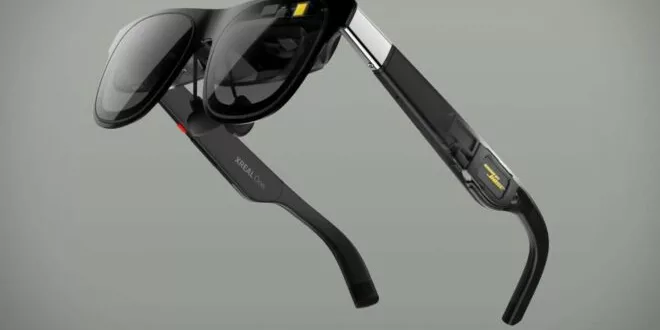
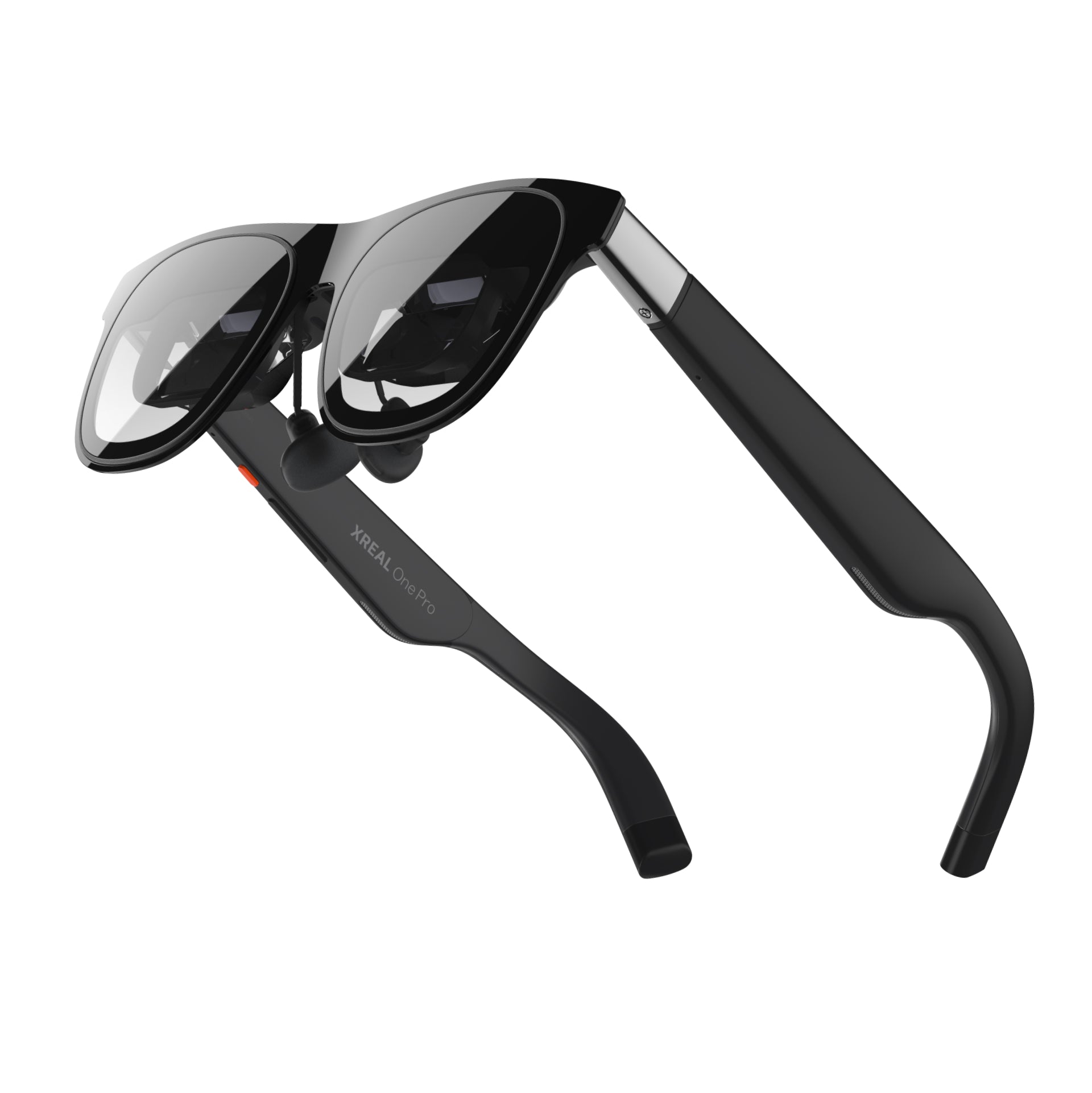
AR 3DoFMicro-OLED 120 HzSound by Bose The XREAL One Pro embody the new generation of “plug-and-play” XR glasses: in-house X1 chip for ultra-low latency and native 3DoF tracking, Sony Micro-OLED 0.55″ display at 120 Hz, 57° FOV, perceived brightness up to 700 nits, and audio tuned by Bose. Goal: to offer a large private screen, stable and comfortable for video, gaming, and mobile productivity.
Somaire
1. For whom and for what purpose?
The One Pro targets three major needs: entertainment (movies/series/streaming), gaming (Switch, Steam Deck, PC, consoles), and work (large portable screen for multi-windowing). Unlike a standalone VR headset, the approach here is spatial display connected to a source (USB-C/DP or via a “streamer” like Beam Pro). XREAL’s bet: image stability and latency worthy of a monitor, without the bulk of a headset. This is confirmed by reviews and user feedback, especially on the go (plane/train).
2. Summary technical specifications
| Feature | XREAL One Pro |
|---|---|
| Chip | XREAL X1 (spatial computing) — native 3DoF |
| Display | Sony Micro-OLED 0.55″ — 1080p per eye (≈4 Mpx) |
| Field of View (FOV) | 57° (virtual up to ~171″) |
| Refresh Rate | 120 Hz |
| Tint Modes | Electrochromic: Clear / Shade / Theatre |
| Perceived Brightness | up to 700 nits (max perceived) |
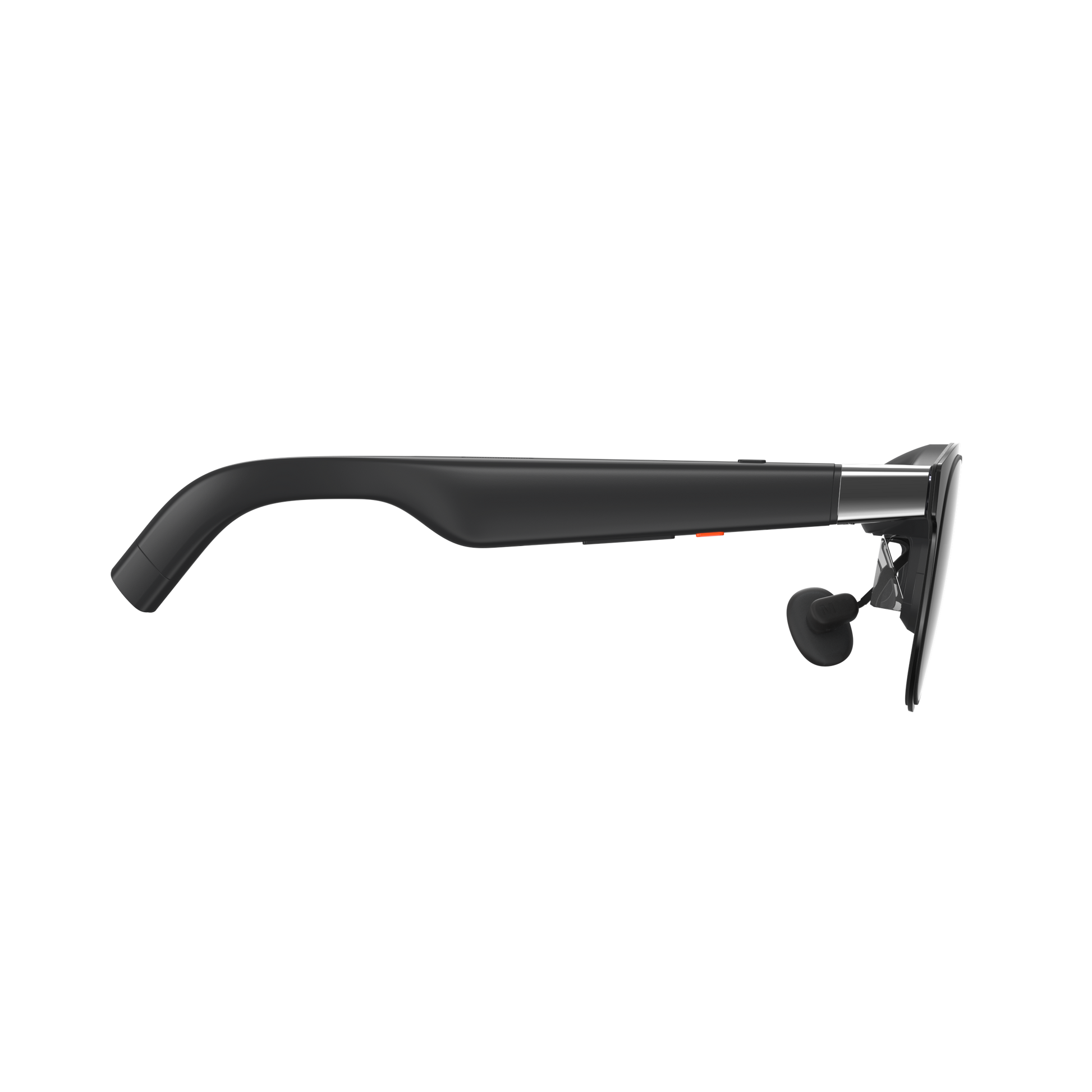
| Audio | Sound by Bose (open speakers + Bose tuning) |
| Weight | ≈87 g |
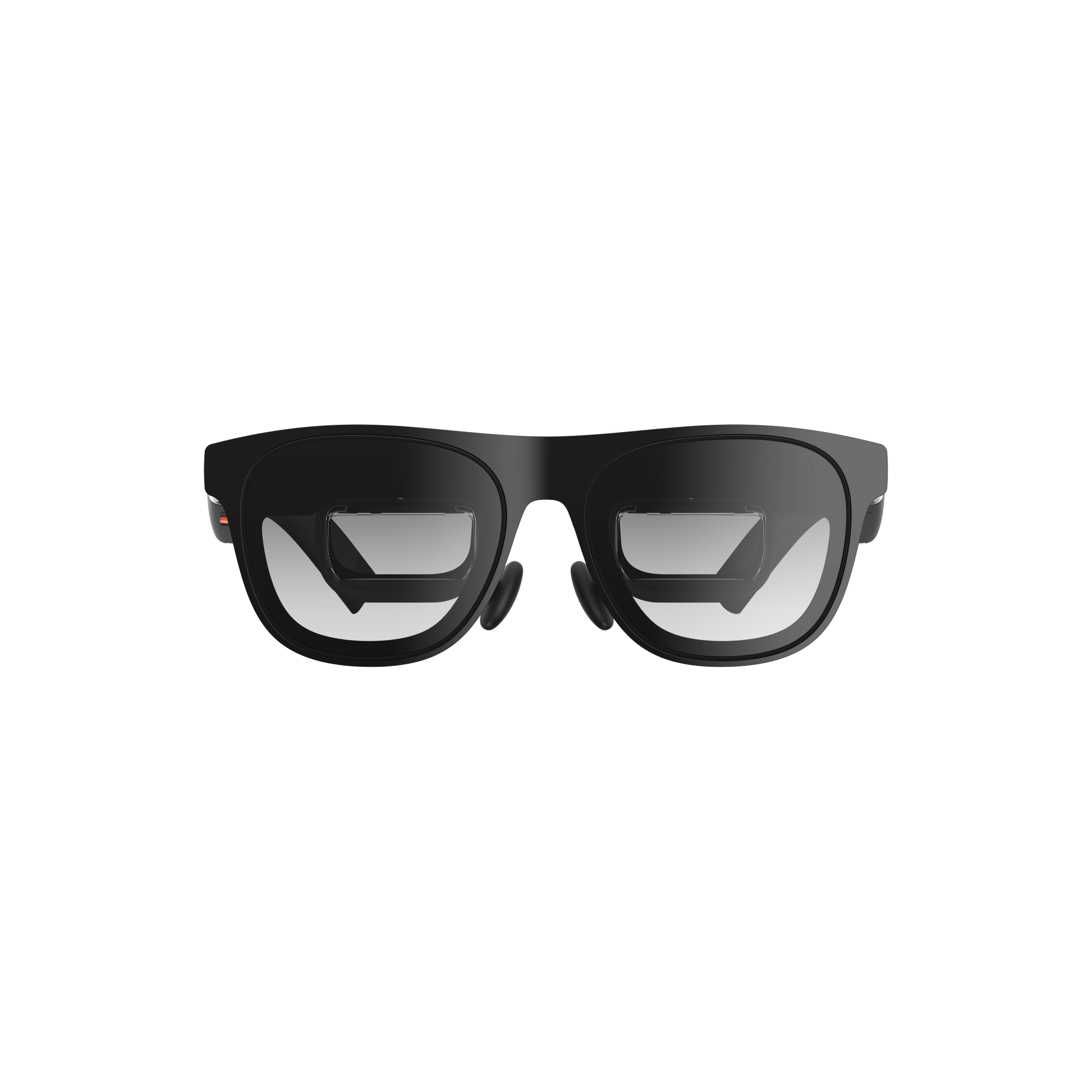
| IPD | Two frame sizes: M 57–66 mm and L 66–75 mm |
| Connectivity | USB-C (Alt-DP depending on source); mic; side buttons |
| Functions | Anchor / Follow / Ultra-wide (up to 310″) / Side View |
Source: XREAL One Pro product sheet (EU/US), specifications visible on the official page (FOV, 0.55″, 120 Hz, 700 nits, IPD sizes, weight, display modes).
3. Image & audio quality
The shift from Optic Engine 3.0 (One) to 4.0 (One Pro) comes with better reflection management and calibrated colorimetry (ΔE < 3). Result: a cleaner image, especially in bright environments. The 120 Hz provides smoothness useful for gaming and text scrolling.
On the audio side, XREAL claims dedicated acoustic components and tuning by Bose. The sound is clearer and better balanced than on older generation XR glasses; however, it still uses open speakers (possible sound leakage on planes/offices). A light in-ear can help if the environment is noisy.
4. Display Modes & Stability (X1 chip)
- Anchor: the virtual screen remains “anchored” in space, ideal for watching a movie without micro-drift.
- Follow: the screen slightly follows the head to reduce fatigue during movements.
- Ultra-wide: huge curved screen (up to ~310″) for a cinema effect.
- Side View: mini-window pinned at the edge of the field, practical for keeping an eye on the real world.
Key takeaway: the M2P latency announced at ~3 ms and new stabilization algorithms greatly reduce shaking and “jelly”; this approaches the use of an external monitor, especially for video and office work.
5. Compatibility & Accessories
Via USB-C, the One Pro works with devices capable of outputting a DisplayPort Alt-Mode signal (recent laptops, some smartphones/handhelds). To extend compatibility, XREAL offers the Beam and especially the Beam Pro (dedicated Android phone, local streaming, spatial mode, recordings). “One Pro + Beam Pro” bundles are available depending on stock.
6. Practical Uses (travel, productivity, gaming)
On the go: airplane and train are the emblematic use cases. Large screen, low bulk, natural posture. Productivity: users working on laptops appreciate multiple virtual screens (pinned windows, large display for spreadsheets/IDEs). Gaming: Switch, Steam Deck, ROG Ally, PC… via direct wired connection or through a streamer. Image stability makes the difference for long sessions.
Field tests highlight the display quality, discretion, and comfort over time, while reminding that these remain 3DoF glasses (no native 6DoF nor advanced MR experiences without accessories).
7. Limits & Points of Caution
- 3DoF only: for 6DoF (spatial anchor, 3D manipulation), you need to switch to 6DoF models like the Air 2 Ultra — more expensive and more demanding in processing.
- Brightness: ~700 perceived nits, sufficient indoors but less “striking” than a Viture Pro XR (announced 4000 perceived nits 1000) or a Luma Pro (1000 nits). Very bright environments may require Theatre mode.
- Cable: depending on the source, a longer/angled cable can improve ergonomics.
- Price: premium segment (US $649 / EU €689 at the time of writing), to be weighed against real needs vs. more affordable XR glasses.
8. Comparison
| Model | Tracking | FOV | Brightness (perceived) | Freq. | Weight | Indicative Price | Strengths |
|---|---|---|---|---|---|---|---|
| XREAL One Pro | 3DoF (X1) | 57° | ~700 nits | 120 Hz | ~87 g | $649 / €689 | Stability, colors ΔE<3, Bose audio, two IPD sizes, Ultra-wide/Side View modes |
| XREAL Air 2 Ultra | 6DoF (cameras) | up to 385″ simulated | — | 120 Hz | — | ~$699 | True spatial computing (6DoF anchors), advanced modes |
| Viture Luma Pro | 3DoF (depending on software), future 6DoF announced | 52° | 1000 nits | 120 Hz | — | ~$499 | Very sharp image (1200p), comfort, Luma ecosystem |
| Rokid Max 2 | 3DoF (display) | 50° | ~600 nits | — | ~75 g | — | Lightweight, large perceived screen, good compatibility |
| Viture Pro XR | 3DoF | — (≈135″) | 4000 nits (1000 perceived) | 120 Hz | ~77 g | — | Very high perceived brightness, native 3D, accessories |
Who is what for?
- One Pro: best 3DoF stability and visual comfort → video, mobile productivity.
- Air 2 Ultra: need for 6DoF and spatial experiences → higher budget and complexity.
- Luma Pro: priority on sharpness/brightness and design → very good performance/price ratio.
- Max 2: lightness and simplicity → discreet giant screen.
- Pro XR: peak brightness and 3D → intensive multimedia use.
9. Price & availability
At the time of writing, the retail price is around $649 US and €689 EU, with periodic bundles including the Beam Pro. Check the XREAL store (US/EU) for stock and shipping times.
10. Video: hands-on with the XREAL One Pro
https://www.youtube.com/embed/jl4aJhDHlGE Embedded YouTube video: impression and usage of the XREAL One Pro.
11. FAQ
Are the One Pro standalone?
No, these are “spatial” screen glasses: they rely on a source (USB-C Alt-DP or streamer like Beam Pro).
What is the difference between One and One Pro?
The Pro gains in FOV (57°), stability, color accuracy and glare management (Optic Engine 4.0), plus M/L IPD frames.
And compared to the Air 2 Ultra?
The Air 2 Ultra offers 6DoF (cameras) for true spatial experiences; it is more expensive/complex. The One Pro optimizes 3DoF “display” with better latency and simplicity.
Can you play on Switch / Steam Deck / PC?
Yes, via USB-C (Alt-DP) or adapters/beam depending on the device. Check your source’s video compatibility.
Are the One Pro suitable for outdoor use?
Primarily indoor use. In strong light, activate the Shade/Theatre tints and favor high-contrast content.
Are there brighter glasses?
Yes: Viture Pro XR claims up to 4000 nits (1000 perceived). Luma Pro announces 1000 nits.
Can the IPD be adjusted?
Two frame sizes (M/L) cover 57–75 mm. Software IPD also helps center the image.
What is the latency?
Announced ~3 ms M2P thanks to the X1 chip and stabilization: very comfortable for video and productivity.
What is the battery life?
The glasses are powered by the source. Battery life therefore depends on the smartphone/PC/Beam used.
Can you record what you see?
With XREAL Eye (micro-camera) coupled with Beam Pro, you can capture photos/videos from the glasses’ perspective.
12. Also to read (selection)
- Viture Luma Pro: test & review
- XREAL Air 2 Ultra: consumer 6DoF AR glasses
- Rokid Max 2: portable large screen
- Viture Pro XR: 4000 nits & 3D
Illustrations: official XREAL visuals (EU CDN). Youtube: integration authorized by the standard iframe.
