

| Key Points | Details to Remember |
|---|---|
| 📖 Definition | Quillbot and Grammarly decoded |
| 🚀 Key Features | rewriting, correction and suggestions |
| 💼 Uses | academic, professional, marketing writing |
| 💰 Pricing | free vs premium subscriptions |
| 🔗 Integrations | WordPress plugins, browsers, MS Office |
| 📊 Results | productivity, measured linguistic quality |
For several years now, AI-based writing assistants have established themselves as indispensable teammates. Between Quillbot and Grammarly, the algorithm war promises to evolve in 2025. Which tool should you prioritize to improve your style, correct your mistakes, and save time? Let’s compare their strengths and limitations in detail so you can choose with full knowledge.
Somaire
Context and Evolution of Writing Assistants
Just go back to 2020 to measure the progress made. At that time, suggestions were limited to basic spelling and grammar corrections. Today, there are proposals for rephrasing, tone adjustments, and even SEO advice. This progress is due as much to the refinement of language models as to the widespread adoption by professionals and students.
From Classic Checker to Complete Assistant
Previously, a simple desktop spell checker was used. Now, AIs trained on billions of words decode your intent, adapt the style to your audience, and detect more subtle errors (such as register confusions). Quillbot initially focused on paraphrasing, while Grammarly established itself with its robust grammar checking engine. In 2025, each embraces these two dimensions to offer a comprehensive service.
Challenges for 2025
- Linguistic accuracy: reducing false positives and lack of context.
- Personalization: adjusting recommendations according to the project (technical, creative, marketing).
- Interoperability: integrating writing processes into other workflows, such as project management platforms.
Detailed Comparison of Features
Beyond generalities, the real difference lies in the details. Here is a point-by-point overview.
1. Grammatical and Spelling Correction
Grammarly maintains a slight edge in this area thanks to its training history focused on the English language. It provides a precise count of errors, detailed explanations, and even contextual suggestions to avoid redundancies. Quillbot, for its part, has improved its syntactic analysis and now offers a “Grammar Coach” module capable of detecting certain awkward phrases in both French and English.
2. Paraphrasing and Style
This is Quillbot’s favorite domain. Its paraphraser adopts several modes – concise, creative, formal – to transform your texts without distorting them. Grammarly also offers a rephraser, but it remains less flexible depending on the stylistic variation sought. In practice, if you are writing a blog article or a newsletter, Quillbot allows you to explore several phrasings with one click.
3. Interface and User Experience
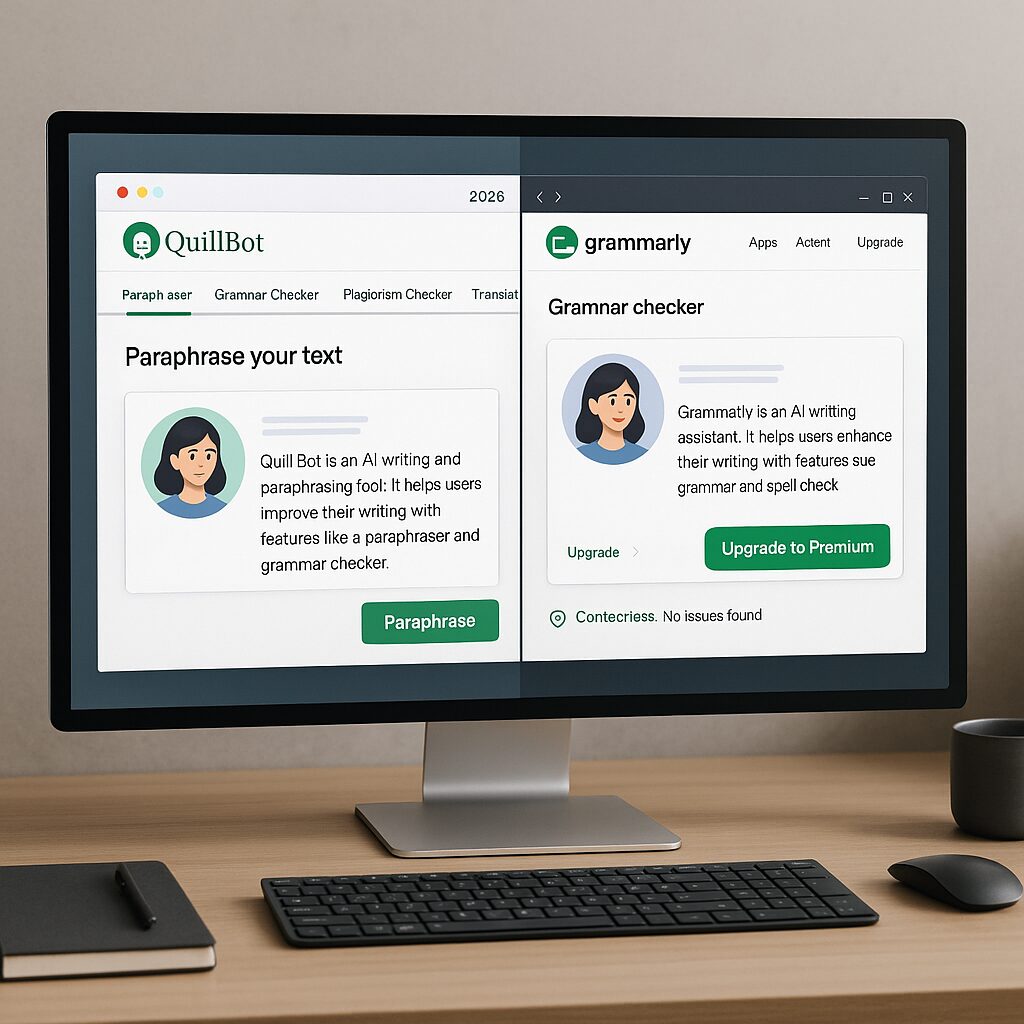
Both tools have refined their interfaces to make them as intuitive as possible. Grammarly uses a color-coded sidebar, while Quillbot operates with a modular panel. Their principle remains the same: visual markers (underlines, icons) that open a suggestion panel. The experience is smooth, but some prefer Quillbot’s modular approach, which they find less intrusive.
Pricing and Plans
For a limited budget, Grammarly’s free version covers the essentials for basic correction needs. Quillbot also offers a free plan, but limited in the number of words processed simultaneously. Premium subscriptions unlock access to advanced features:
- Grammarly Premium: about $12/month with annual commitment, offering style checking, plagiarism detection, and vocabulary suggestions.
- Quillbot Premium: starting at $8/month, including unlimited paraphrasing, text summarization, and integration of custom dictionaries.
Integrations and Compatibilities
In an increasingly connected ecosystem, your assistant must blend into your production chain. Grammarly shines with its browser extensions, MS Office, and desktop application. Quillbot recently launched a native WordPress plugin, making it easier to revise your posts without using an external editor. Among the uses, writing technical documentation or quickly reviewing press releases greatly benefits from these connectors.
Performance and Measurable Results
Over time, perceived quality is what counts. Internal studies show that Grammarly reduces errors by 85% and improves clarity in 70% of cases. Quillbot, meanwhile, claims a 40% productivity increase for generating first drafts. The choice will therefore depend on your priority: ultimate correction or time saved on paraphrasing.
Which Assistant to Choose According to Your Profile?
For Content Creators and Marketers
Do you juggle between blog articles, newsletters, and social media posts? Quillbot saves you precious minutes with its quality paraphraser, while Grammarly will add an advanced verification layer if you mostly produce texts in English.
For Students and Researchers
A good corrector that includes a plagiarism detector is a major asset. Grammarly Premium takes the prize here, with detailed reports and a vast source database. Quillbot remains interesting for rephrasing your summaries and improving the flow of your paragraphs.
For Teams and Businesses
If real-time collaboration is crucial, you will probably choose Grammarly for its multi-user management and progress tracking. More flexible teams, who value creativity, will turn to Quillbot to explore style variations.
FAQ
What are the main differences between Quillbot and Grammarly?
Grammarly excels in grammar correction and plagiarism detection, while Quillbot offers a more advanced paraphrasing tool and text summarization options.
Can these tools be used to revise a document in French?
Both platforms now support French. Grammarly has strengthened its French module, but Quillbot remains more flexible for rephrasing in multiple registers.
Which one offers the best value for money?
If you mainly target English and plagiarism, Grammarly Premium is justified. For regular paraphrasing use, Quillbot Premium at $8/month proves more economical.
Is it possible to integrate these assistants into WordPress?
Quillbot has a native WordPress plugin, while Grammarly works via a browser extension compatible with both the classic editor and Gutenberg.
