
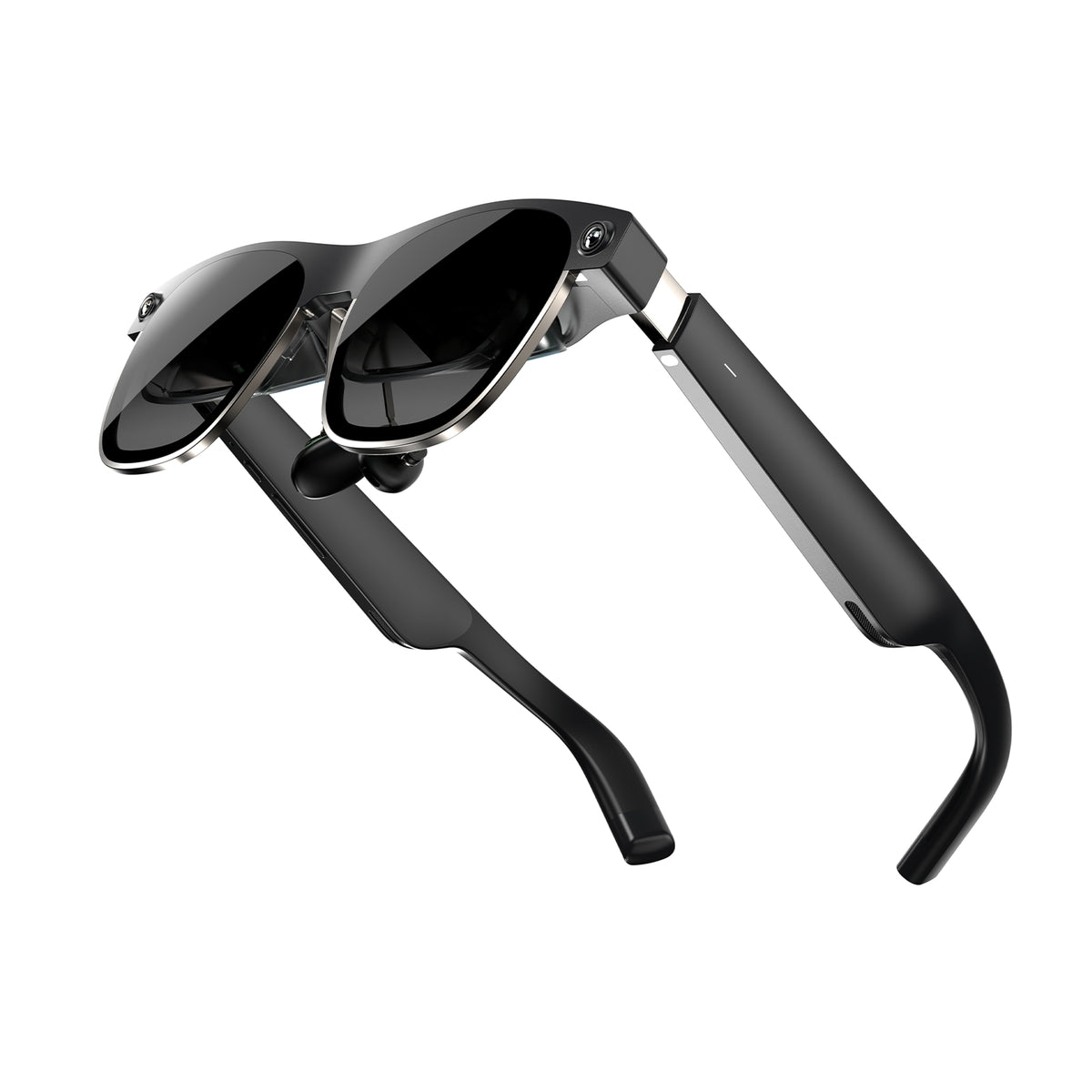
Intro. With the Xreal Air 2 Ultra, the Chinese brand aims to go beyond the simple idea of a “portable giant screen.” Same hardware base as the Air 2 (dual micro-OLED 1080p/eye, 120 Hz, 500 nits) but a real leap: 6DoF tracking, FOV expanded to 52°, two front cameras, titanium frame, and a weight of about 83 g. Sold at $699 (developer edition for now), this model targets AR experience creators and early adopters. We also compare it to the Air 2, Air 2 Pro, and Rokid Max 2 to help you choose.
Somaire
Why this model matters: true 6DoF “in glasses”
Until now, Xreal glasses (Air / Air 2 / Air 2 Pro) displayed a floating image (3DoF: head rotation only). With the Air 2 Ultra, we move to full 6DoF tracking: the glasses understand your translations in space, can anchor windows in place, and let you move around them. For developers, Xreal provides an SDK (Unity/Unreal) and announces support for depth mesh, hand tracking, and spatial anchors.
Design & comfort: visible cameras, titanium embraced
The look becomes more professional: two front cameras, a titanium chassis (claimed to be 16 times stronger than aluminum), and 83 g on the scale. It’s a bit heavier than the Air 2 (72 g) but the balance remains good. The arms offer three positions, and the nose area is pressure-free. No electrochromic here (reserved for the Air 2 Pro), but a light shield/occlusion clip is still provided for daylight viewing.
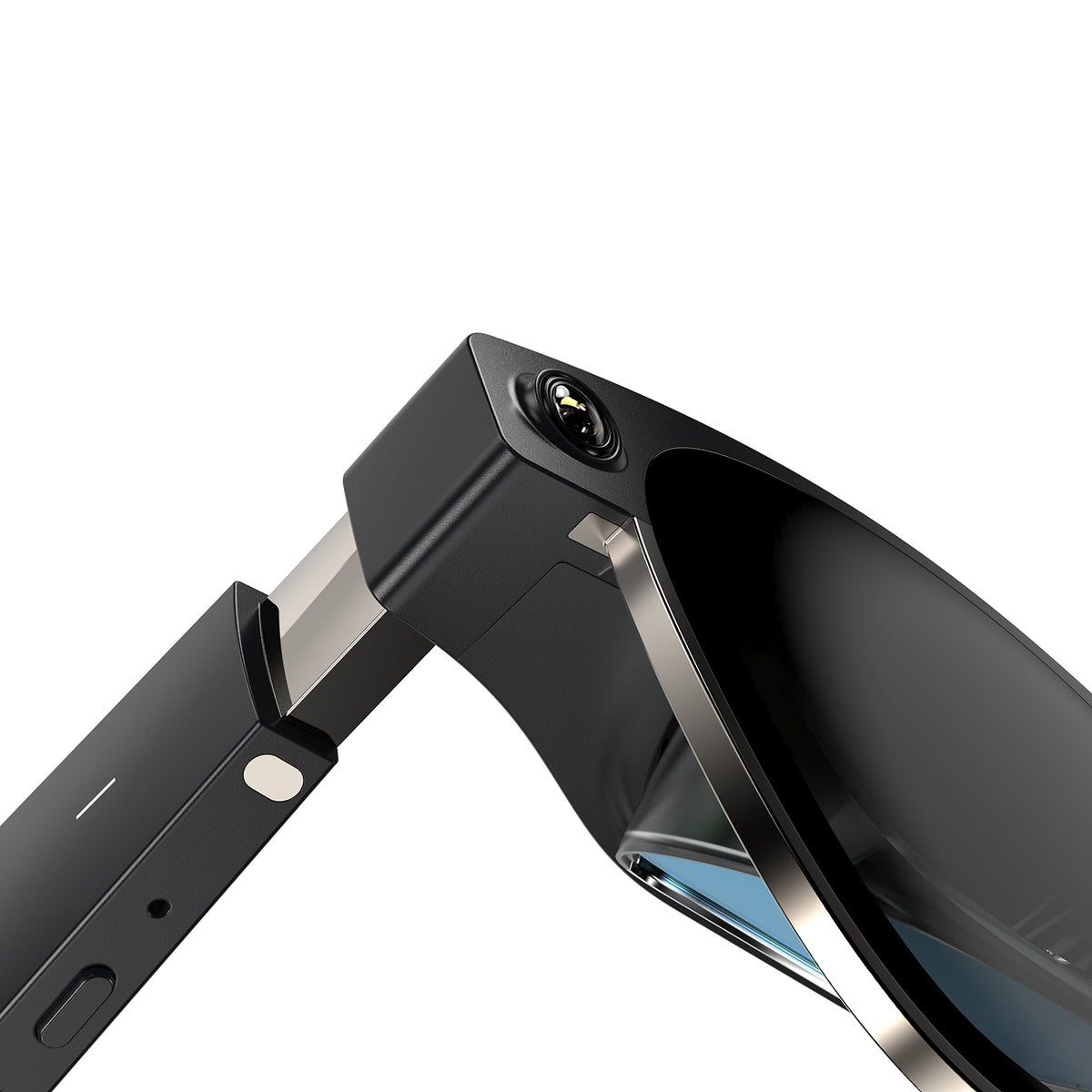
Image & rendering: 1080p/eye, 120 Hz… but 52° FOV
The screen remains a dual Sony micro-OLED (0.68”) with 1080p per eye, max 120 Hz (90 Hz in 3D), ΔE <3 (color calibration), and perceived 500 nits. The real novelty is the FOV increased to 52° (≈ 14.9% more than Air 2 Pro). This doesn’t compete with a VR headset (>90°), but improves immersion and makes spatialization more believable.
Compatibility & uses: giant monitor… or spatial screen
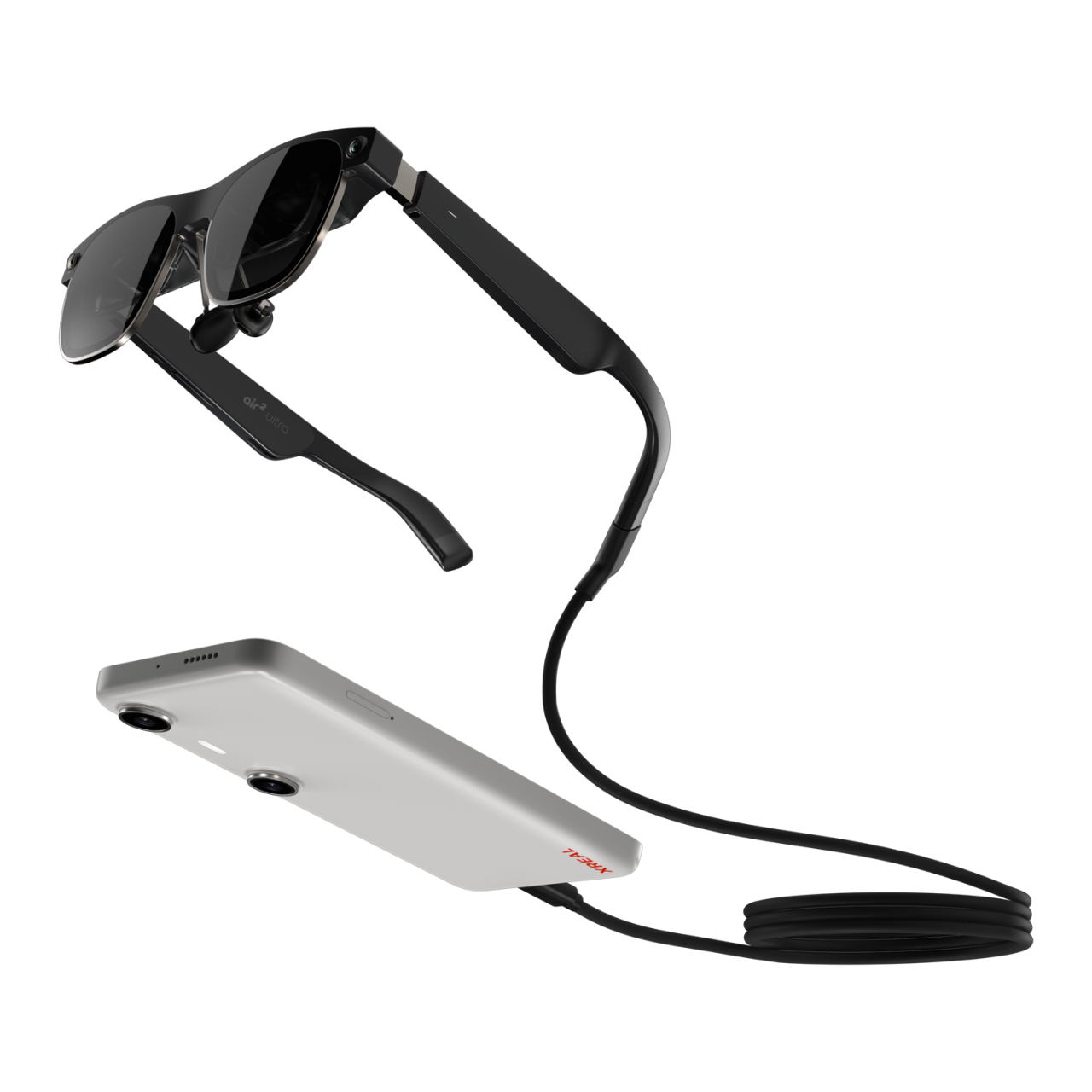
Like the Air 2/Pro, the Ultra connects to a USB-C/DP smartphone, a PC/Mac, a Steam Deck/ROG Ally, or a console via HDMI adapter. To activate 6DoF, Xreal recommends the Beam Pro (or Nebula Mac 6DoF). The rest of the time, you can use it as a portable 120 Hz screen for movies and games.
Responsive comparison: 4 models, 4 profiles
Rather than an unreadable table on mobile, here are four synthetic “cards”. Each block fits the screen width and arranges in a grid on desktop.
Xreal Air 2 Ultra
- Display 1080p/eye – 120 Hz – 500 nits – ΔE <3
- FOV 52°
- Weight ≈83 g
- Optics Optic Engine 3.0 (Sony 0.68″)
- Transparency3 levels of dimming (button) – no electrochromism
- View adjustmentsCorrective lens frame (no integrated diopter)
- SpatializationNative 6DoF + dev SDK
- Price$699
Xreal Air 2 Pro
- Display1080p/eye – 120 Hz – 500 nits
- FOV46°
- Weight75 g
- TransparencyElectrochromism 3 levels
- Spatialization3DoF (rotation only)
- Price~$299 (promo)
Xreal Air 2
- Display1080p/eye – 120 Hz – 500 nits
- FOV46°
- Weight72 g
- TransparencyRemovable light shield (no electrochromism)
- Spatialization3DoF
- Price~$299 (depending on promotions)
Rokid Max 2
- Display1080p/eye (1920×1200 possible) – 120 Hz – 600 nits
- FOV50°
- Weight75 g
- View adjustmentsIntegrated diopter 0 to −6 D + electronic IPD
- Spatialization3DoF (Station 2 for 2D multi-windows)
- Price$429 (promo)
Strengths / Weaknesses (Air 2 Ultra)
- What we like: native 6DoF, 52° FOV, clean 1080p/120 Hz image, open SDK, titanium design.
- What we like less: high price ($699), heavier, no electrochromism, requires dedicated hardware (Beam Pro) for consumer 6DoF.
FAQ
Does the Xreal Air 2 Ultra display in 4K?
No. Like the Air 2/Pro, it remains at 1080p per eye (≈4 MP total), max 120 Hz.
What is the major difference with the Air 2 Pro?
6DoF + 52° FOV for the Ultra. The Pro remains at 3DoF but offers electrochromism (opacity 0/35/100%).
Why prefer the Rokid Max 2?
For the integrated diopter 0 to −6 D, the brightness (600 nits), and the Station 2 Android option. But it does not have 6DoF.
Are Netflix / Disney+ compatible?
Yes, via an HDCP-compatible device (Beam/Beam Pro, smartphone/PC). The stream remains 2D but on a giant virtual screen.
