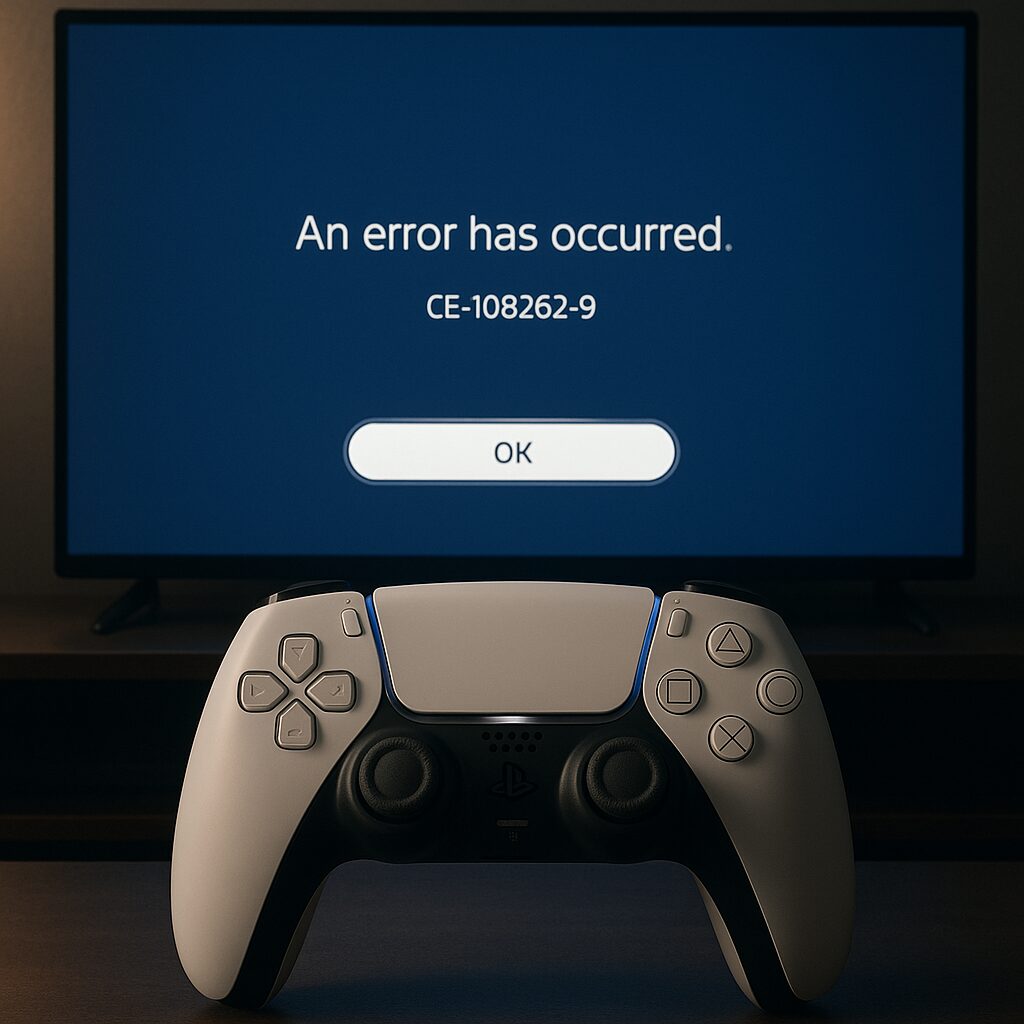
Error code CE-108262-9 can occur unexpectedly during an update or when launching a game on your PlayStation 5. Rather than giving in to frustration, you can act quickly to restore optimal functioning. In this article, we dissect possible causes, offer step-by-step fixes, and provide advice to prevent the problem from recurring.
🛠️ Common cause: corrupted system data or interrupted update. Understanding the starting point simplifies the resolution.
🚀 Quick solutions: full restart, network check, and freeing up disk space. Three operations within 5 minutes.
🧰 Advanced methods: database rebuild and reinstallation via USB for stubborn cases.
🔒 Long-term prevention: regular updates, cloud backup, and storage maintenance. A time saver in the long run.
Somaire
Understanding error CE-108262-9
Before proceeding with troubleshooting, it helps to know where the error comes from. Rather than guessing, identify the symptoms and pinpoint the incident.
Origin of the code
This message generally appears when a system software update is abruptly interrupted or files become damaged. Reasons can vary: internet cut, unstable power supply, or corrupted data on the internal SSD.
Symptoms and impact
The console freezes on a static screen, the download remains at 0%, or an error message appears consistently. It then becomes impossible to fully enjoy the PS5, whether for gaming, accessing the PlayStation Store, or using certain native features.
Quick solutions
If you’re in a hurry, your first actions may be enough to dislodge the error. These steps do not involve data loss and can be done in a few minutes.
Check the internet connection
- Test the network by going to Settings > Network > Test Internet Connection.
- If the speed drops or the router releases the connection, restart it.
- A wired Ethernet connection often proves more stable than Wi-Fi.
Restart the console
A simple full restart (not sleep mode) can clear a temporary bug. Hold the power button until you hear a double beep, then turn it back on. You’ll be surprised how many errors vanish this way.
Free up storage space
A full storage can sometimes prevent updates from installing. Delete games or saves you no longer need from Storage > System Storage > Games and Applications. Aim for at least 15% free capacity so the system can breathe.
Reinstalling the System Software
When quick methods are not enough, reinstalling the firmware is necessary. It preserves your personal data but requires a USB drive and a PC.
- Format a USB drive as FAT32 (at least 1 GB free).
- Create a folder named PS5 at the root, then a subfolder UPDATE.
- Download the latest full update from the official website and place the file
PS5UPDATE.PUPin PS5/UPDATE. - Start the console in safe mode (hold button for 7 seconds) and select Update System Software, then via USB storage device.
Advanced Methods
For more technical users, two additional options come to the rescue: rebuilding the database and forcing the update via USB.
Rebuild Database
This operation sorts and reorganizes your system files without affecting your game data.
- Start the PS5 in safe mode.
- Select Rebuild Database.
- Wait a few minutes: the console reindexes all files.
Update via USB Drive
If the network remains unreliable, the previously described USB option is the most reliable. This avoids any interruption during transfer.
Prevention and Best Practices
Beyond repair, future risks can be limited. A few simple actions are enough:
| Practice | Frequency | Benefit |
|---|---|---|
| Cloud backup | Weekly | Quick restoration |
| Storage check | Monthly | Optimal performance |
| Firmware update | As available | Fewer bugs |
“Keeping an SSD clean and up to date prevents 80% of error codes related to corrupted files.” – Anonymous PlayStation Expert
When to Contact PlayStation Support
If despite everything the error persists, it is time to call the official service. Have ready:
- Your PS5 serial number.
- Details of the steps already taken.
- Screenshots of the error code.
Support can then guide you toward a hardware solution, such as an SSD replacement or workshop intervention.
FAQ
What is the CE-108262-9 error on PS5?
The CE-108262-9 error generally occurs during a failed update or due to corrupted system data.
How to fix the CE-108262-9 error on PS5?
Fixes include checking the internet connection, a full restart, reinstalling the system software, or rebuilding the database.
How to prevent this error code from appearing?
Keeping the console up to date, regularly freeing up space, and backing up data to the cloud helps reduce risks.