

Adspower is a powerful tool for managing automated browsing profiles, but several technical issues can slow down your productivity. In this guide, you will learn how to diagnose and fix the five most common malfunctions, step by step, without unnecessary jargon.
Somaire
In brief
🚀 Proxy connection misconfigured? Check your ports and credentials to restore the secure tunnel in a few clicks.
🔒 Session blocked or expired? Identify the type of blockage and force a reconnection via the “Sessions” tab.
⚡ API limits reached? Spread your requests over time and implement a backup system across multiple accounts.
🛠️ Profile misconfigured? Review the essential fields, test the browser’s wireless connection, and reload your cookies.
Error 1: Proxy connection problem
When managing multiple profiles, a proxy failure can isolate a profile and prevent it from accessing the Internet. Often, the indicator in Adspower stays red and pages do not load.
Possible causes
An incorrect password or a port blocked by the local firewall causes the connection to fail. Sometimes, a third-party provider changes its routing without warning you and the secure tunnel no longer matches the new routes.
Resolution procedure
- Open the “Proxy” tab, verify that the IP, port, and credentials are correct.
- Test the connection via a third-party client (e.g., Proxifier) to isolate the fault between Adspower and your system.
- If you use a VPN or firewall, explicitly allow Adspower in the outbound traffic rules.
- Restart the profile: a simple reboot reapplies the freshly corrected settings.
Error 2: Session blocked or disconnected
A session can switch to “disconnected” status without warning: the browser window appears grayed out and cannot be controlled.
Identify the blockage
Adspower sometimes detects a “timeout” if the browser response is delayed. This phenomenon mainly occurs on slow links or pages heavily loaded with scripts.
Corrective actions
- In the “Sessions” column, click “Reconnect”. Observe the log to spot a specific error message.
- Increase the delay (“Timeout”) in the profile settings for resource-intensive sites.
- Enable the “Auto-reconnect” option: Adspower will automatically restart if the session crashes.
Error 3: API Rate Limit or Error 401/403
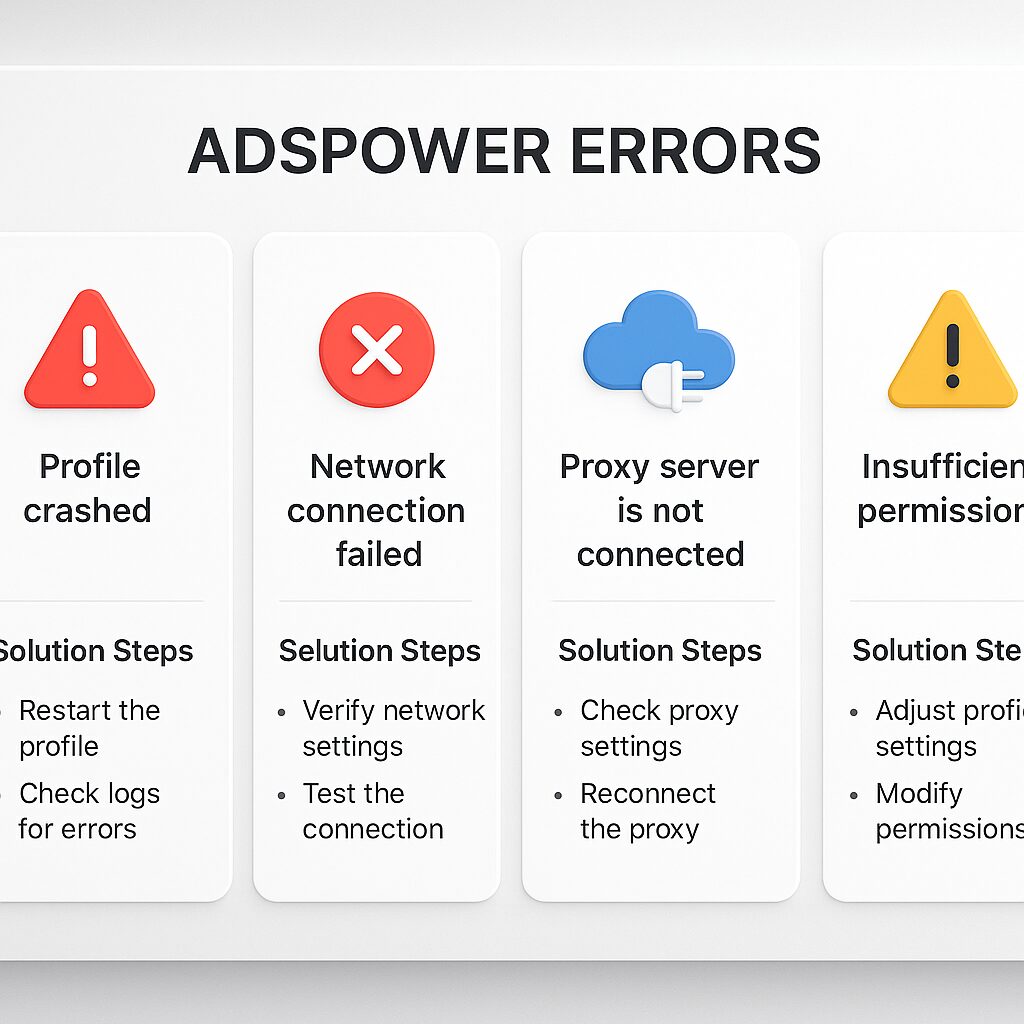
Too frequent calls to the Adspower API trigger a temporary block (“Rate limit”), often signaled by a 429, 401, or 403 code.
Why do quotas get exceeded?
Each user has a request quota per minute. Unoptimized scripts that loop without pause exhaust these credits in a few seconds.
Optimize your calls
- Implement a uniform interval (throttle) between each request to distribute the load.
- Group similar operations: prefer a batch call rather than ten separate ones.
- Check the response code: if you receive 429, temporarily suspend calls and restart after 60 seconds.
Error 4: Incorrect profile configuration
A missing or incorrectly filled data in the profile sheet prevents navigation, cookie retrieval, or extension injection.
Essential settings
- User-Agent: some sites reject default agents, customize it according to the target.
- Geolocation: validate latitude/longitude if you simulate a local presence.
- Extensions: make sure to load the correct extensions (adblock, fingerprint) in the right order.
Validation step
After adjustment, run a quick test by entering data:text/html,<h1>Test</h1> in the address bar to confirm that the browser obeys the new settings.
Error 5: CAPTCHA or security challenge
Google, Facebook, and other platforms trigger CAPTCHAs as soon as they detect scripted behavior. The profile stops on the verification page.
The CAPTCHA mechanism
These visual or audio challenges require human intervention or a third-party automatic solving service (2Captcha, Anti-captcha).
Implementing a workaround
- Integrate an automatic solving API and configure your keys in the “Plugins” tab.
- Program a script to detect the CAPTCHA field and redirect to the external service.
- If possible, limit the frequency of connections to the same platform to reduce challenges.
Summary table
| Error | Symptoms | Quick solution |
|---|---|---|
| Defective proxy | Session blocked, no Internet | Check IP/port and restart |
| Disconnected session | Grayed window, timeout | Reconnect and adjust timeout |
| API rate limit | Codes 429/401/403 | Space out calls, group them |
| Misconfigured profile | Cookies not retrieved | Check UA, geolocation, and extensions |
| CAPTCHA | Stopped on challenge page | Automate via third-party service |
FAQ
- How to quickly test a proxy in Adspower?
- Go to the Proxy tab, click “Test” and read the logs to see the real-time status.
- What to do if automatic reconnection does not work?
- Check your delay settings and manually restart the session before adjusting the settings.
- Can I bypass the Rate Limit without throttle?
- No: throttle remains essential to distribute calls and avoid suspensions.
- Which extension should I add first?
- Start with a tracker blocker (e.g. uBlock Origin) then an anti-fingerprint extension.
- How to integrate a CAPTCHA service?
- Add your API key in the “Plugins” section, enable integration, and test with a dedicated script.
- Does Adspower support SOCKS5 proxies?
- Yes, just choose the SOCKS5 type in the config and enter your credentials.
- How to recover my cookies after correction?
- In “Sessions”, click on “Export” and copy the generated JSON file.
