

| Key points | Details to remember |
|---|---|
| 🔐 | Verify the identifier (email address or number) before any action |
| 🔄 | Reset the password via the official “forgot password” procedure |
| 🧹 | Clear the cache and test another browser or private mode |
| 📱 | Use backup codes or authentication app for 2FA |
| ☎️ | Contact support if the account is locked or if the reset fails |
Logging into the Orange portal (portal.orange.fr) may seem simple — yet dozens of different cases complicate the operation: incorrectly entered identifiers, forgotten passwords, missing 2FA codes, problematic browsers, or account lockout. This guide is not a series of mechanical instructions: it accompanies you step by step, with quick checks, concrete solutions, and alternatives to try depending on your situation. The idea is not only to regain access but to understand why the error occurred to prevent it from happening again.
Somaire
Initial diagnostics: what to check first
Before starting a reset procedure, you save time by process of elimination. Begin by confirming the identifier used: main email address, alias, or number associated with the account. Typing errors account for a significant portion of connection problems. Then, look at the technical environment: your browser is outdated, an extension blocks scripts, or you are on a corporate network with strict filtering. These elements often explain apparent malfunctions unrelated to the account itself.
Check the identifier and case sensitivity
Identifiers can be case-sensitive depending on certain platforms — although Orange generally treats addresses in lowercase, it is prudent to copy/paste the address to avoid errors. If you have multiple email addresses, try the variants you used during registration. Also consider aliases left aside, such as contact@yourdomain or the secondary address.
Check the browser and connection
Outdated browser, blocked cookies, disabled JavaScript: this trio is often to blame. Open a private window or use another browser to eliminate problems related to cache and extensions. On mobile, test switching from Wi-Fi to mobile data: some corporate networks or public hotspots may redirect or block flows necessary for authentication.
Forgot Password: Procedure and Best Practices
The “forgot password” function exists for a reason: it is your way out, but it can fail if the recovery elements are not up to date. Here is how to maximize your chances of success and avoid time-consuming back-and-forth.
Steps to Reset the Password
- Click on the “forgot password” option on the login page.
- Enter the requested identifier (email address or number) and validate.
- Check the inbox (and the spam folder) for the reset link. Automated emails can end up in less visible folders.
- If you receive nothing, try sending to a secondary address if available, or retry the operation after a few minutes.
If the link arrives but returns an error, the cause is often a partially copied or expired URL: temporary links expire quickly for security reasons. Open the message on the device where you intend to complete the reset and click directly.
What to Do If the Reset Does Not Work?
Several options are available depending on the blockage. If the email does not arrive: check anti-spam filters, review the block list in your mailbox, and try an alternative address. If the reset is refused due to a security lockout, a waiting period may be imposed — sometimes a few hours, sometimes 24 hours. In more complex cases, contacting support is the only viable solution; then prepare your credentials, the approximate account creation date, and any requested proof to speed up identity verification.
Two-Factor Authentication (2FA): Recovering Access
Two-factor authentication strengthens security but becomes a real headache when you no longer have access to the phone or authentication app. Before panicking, know that there are several ways to recover access: backup codes, number transfer, synchronized authentication apps, or customer support.
Using Backup Codes
When activating 2FA, most services offer backup codes to print or save. These codes are master keys: a single code is enough to log in if the second factor is lost. If you have kept these codes, use them immediately. If you cannot find them, consider checking your password managers or backup folders.
Lost Phone or Number Change
If you have changed your number but the old number is still active, it is sometimes possible to recover SMS via the new operator by requesting portability or by contacting the initial operator. Otherwise, the solution involves the authentication device: if you had synchronized your accounts on an app (e.g., Google Authenticator, Authy) and the app is accessible from another device, you can retrieve the codes without a number. Otherwise, the platform’s technical support will assess the documents to be provided to temporarily disable 2FA and allow the reset.
Account Locked: Causes and Remedies
An account can be locked for security reasons (repeated login attempts), suspicion of fraudulent activity, or non-compliance with rules. Contacting support then becomes essential. Here is how to prepare your request to gain efficiency.
Information to Provide to Support
- Account identifier.
- Last known login date.
- Associated email addresses or numbers.
- Identity documents if requested (ID photo, proof of address) depending on the verification level.
Note that support may sometimes require successive exchanges for additional verifications: stay available and responsive, this speeds up the unlocking process.
Quick Solutions and Checklist
When you find yourself blocked, an ordered checklist avoids unnecessary actions. Here is a logical sequence to execute before calling support.
- Confirm the identifier used (copy/paste to avoid errors).
- Try logging in from another device and/or in private browsing mode.
- Clear the cache and delete browser cookies.
- Check incoming/spam emails for reset links.
- Use backup codes or authentication app if available.
- If failure, gather elements to contact support.
Summary Table: problem → quick check → solution
| Problem | Check | Solution |
|---|---|---|
| Unable to log in | Correct identifier, browser | Clear cache, try another browser, private mode |
| No reset email | Spam folder, filter, secondary address | Resend, check alias, contact support |
| Lost second factor (2FA) | Backup codes available? | Use code, export from authentication app, support |
| Account locked | Specific message at login | Wait delay or provide documents to support |
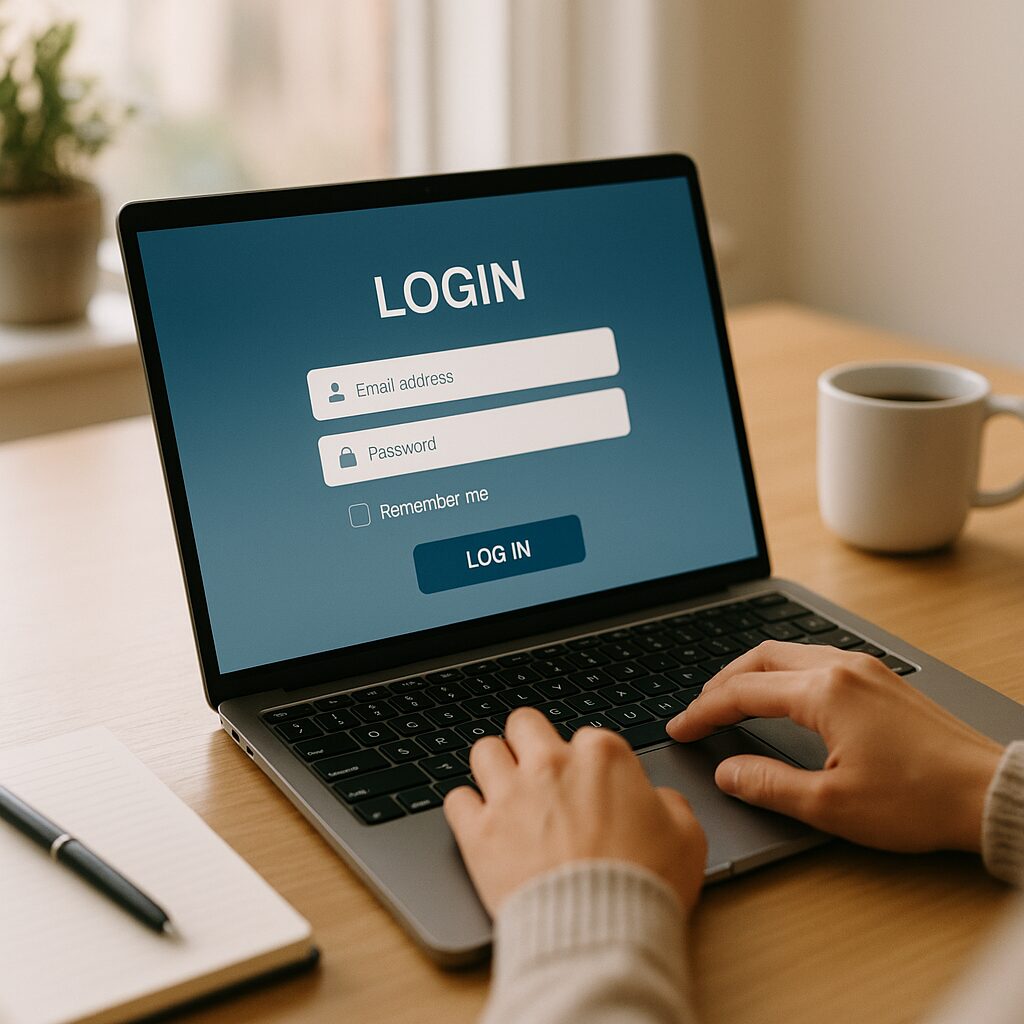
Prevention: reduce risks in the future
Recovering access is good; avoiding having to do so is even better. Adopt some simple habits: activate 2FA but keep backup codes in a password manager or on a secure physical medium. Keep your contact details up to date (email address and phone number) and periodically check account recovery settings. Finally, beware of phishing attempts: spoofed links may prompt you to enter your credentials on fake forms, compromising everything else.
FAQ
What to do if I don’t see the reset message in my mailbox?
Check the spam folder, filters, or redirection rules. If your email is provided by your company, the IT department may block certain emails: contact them. Finally, restart the procedure and wait a few minutes before repeating the request.
I lost my phone and don’t have backup codes, how do I recover the account?
Without codes or access to the second factor, the only option is often technical support. Prepare proof of identity and information proving you are the owner (old number, account creation date, invoices if requested). The process is strict to protect accounts against hijacking.
My account is blocked after several attempts, how long do I have to wait?
The duration varies according to the applied security policy; sometimes a few minutes are enough, sometimes 24 hours. If the wait exceeds this delay, you will need to contact support with the requested information.
How to sustainably protect my account after recovering it?
Choose a long and unique password, enable 2FA with an app rather than SMS when possible, save the backup codes in a digital safe or on secure paper, and regularly recheck the registered recovery methods.
{
“@context”: “https://schema.org”,
“@type”: “FAQPage”,
“mainEntity”: [
{
“@type”: “Question”,
“name”: “What to do if I don’t see the reset message in my mailbox?”,
“acceptedAnswer”: {
“@type”: “Answer”,
“text”: “Check the spam folder, filters, or forwarding rule. If your email is provided by your company, the IT department may block certain emails: contact them. Finally, restart the procedure and wait a few minutes.”
}
},
{
“@type”: “Question”,
“name”: “I lost my phone and I don’t have backup codes, how to recover the account?”,
“acceptedAnswer”: {
“@type”: “Answer”,
“text”: “Without codes or access to the second factor, the only option is often technical support. Prepare proof of identity and information proving that you are indeed the account holder.”
}
},
{
“@type”: “Question”,
“name”: “My account is locked after several attempts, how long do I have to wait?”,
“acceptedAnswer”: {
“@type”: “Answer”,
“text”: “The duration varies according to the applied security policy; sometimes a few minutes are enough, sometimes 24 hours. If the wait exceeds this period, contact support.”
}
}
]
}
{
“@context”: “https://schema.org”,
“@type”: “WebPage”,
“about”: {
“@type”: “Thing”,
“name”: “Orange portal login”
},
“keywords”: [“Orange portal”, “login”, “forgot password”, “two-factor authentication”, “account recovery”]
}
