
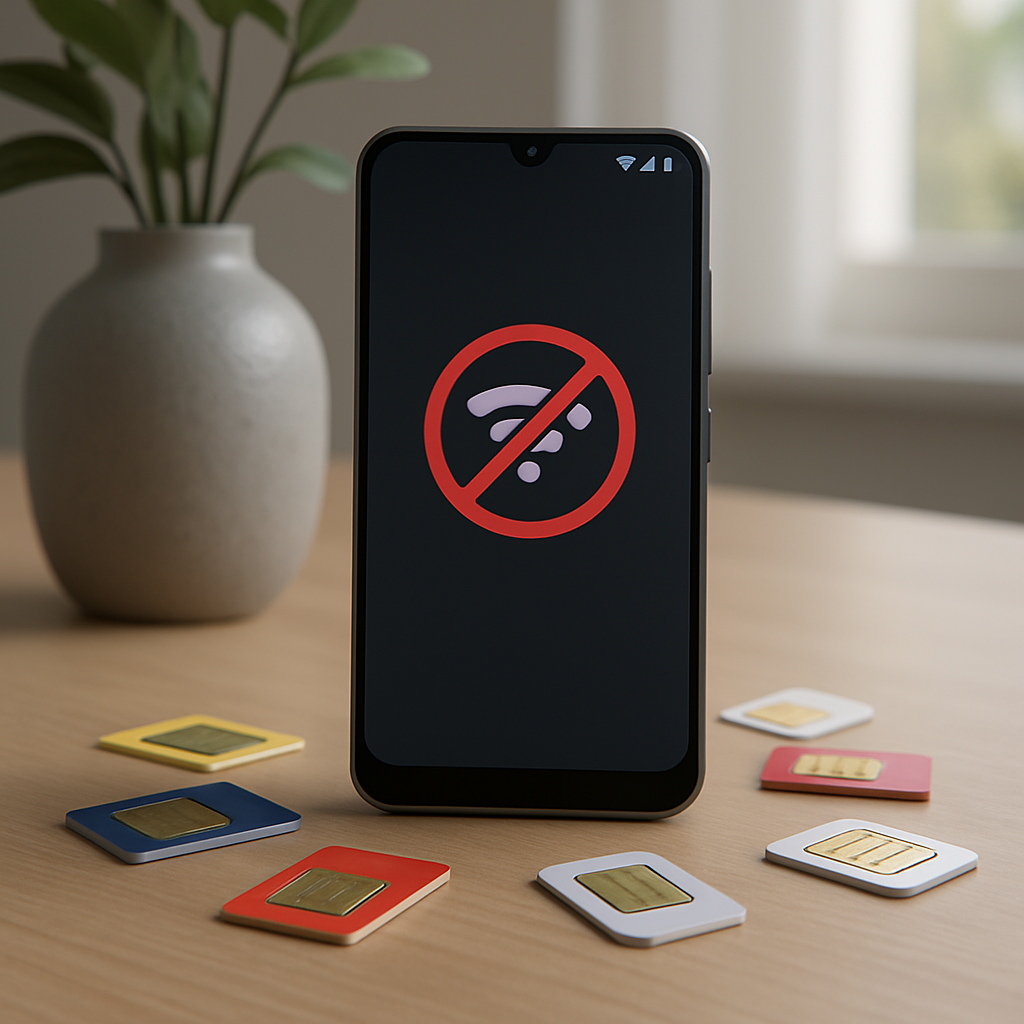
You just turned on your Android smartphone and a cryptic message appears: “No SIM”. You cannot make calls, send SMS, or use your mobile data. This frustrating situation can occur at any time, whether you are an experienced user or a beginner. Before panicking or rushing to your carrier, know that in most cases, this error can be resolved with simple steps.
📱 The “No SIM” error on Android is generally due to a physical or software connection problem between the SIM card and the phone. It often occurs after an update, a card change, or a shock.
🔧 Immediate solutions include restarting the phone, cleaning the SIM card, and readjusting the tray. In 70% of cases, these basic actions are enough to restore the connection.
⚠️ If the problem persists, it may be a defective SIM card, a software issue requiring a network settings reset, or rarely damaged hardware.
Somaire
Understanding the origin of the “No SIM” problem
The “No SIM” error means your smartphone cannot detect the presence of your SIM card. This small chip is essential for connecting to your carrier’s network. Several factors can explain this lack of recognition.
The most common hardware causes
Most problems come from a faulty physical connection. The SIM card may be improperly inserted, especially with modern trays that require millimeter precision. A simple misalignment prevents the gold contacts on the card from touching those of the phone.
Dust and oxidation are also invisible enemies. Over time, particles can infiltrate the SIM card slot and disrupt the signal. Humidity variations or salty environments (near the sea) accelerate the oxidation of metal contacts.

Software and system causes
Your Android manages SIM card detection via its operating system and drivers. A failed update, a software bug, or a corrupted setting can make the phone “blind” to your SIM. Some apps modifying network settings (such as dual SIM or roaming apps) can also cause conflicts.
Carrier network issues also come into play. Technical maintenance, a local outage, or an antenna change can temporarily affect recognition of your card. Before worrying, check if others around you are experiencing the same difficulty with the same carrier.
Step-by-step solutions to fix the error
Always start with the simplest manipulations before considering more radical solutions. This methodical approach will save you time and data.
Basic actions to try first
Restart your phone. This advice may seem basic, but it mysteriously resolves many electronic issues. A full restart clears the temporary cache and resets software connections.
Carefully remove and reinsert your SIM card. Turn off your device, use the eject tool to remove the tray, then check the orientation of the card. The notches are designed to allow only one position, but a sudden movement can sometimes bypass this safety.
- Gently clean the gold contacts with a dry microfiber cloth
- Blow lightly into the SIM slot to remove dust
- Check that the tray is not damaged or deformed
Advanced solutions when the basics are not enough
If physical manipulations have yielded nothing, explore the software settings. Go to “Settings” > “Network & Internet” > “SIM” (the wording may vary depending on the brand). Check that your card is activated and that the mobile network is not accidentally disabled.
Resetting network settings is a powerful but often little-known option. This action deletes all your saved Wi-Fi, Bluetooth, and mobile settings but does not affect your personal data. You will then have a fresh configuration that eliminates any possible corruptions.
Warning: after a network reset, you will need to reconnect all your Bluetooth devices and Wi-Fi networks, and possibly reconfigure your APN settings for mobile data.
Special cases and complex situations
Some scenarios require a specific approach. Dual SIM phones, devices recently updated, or those that have suffered a shock have their own characteristics.
The case of dual SIM smartphones
Dual SIM devices add a layer of complexity. When the “No SIM” error appears, first identify whether it concerns one card or both. If only one SIM is affected, swap the cards between the slots. If the problem follows the card, it is probably defective. If the problem remains on the same slot, the phone is at fault.
Dual SIM managers integrated into Android interfaces (such as MIUI, OneUI, or ColorOS) can sometimes bug. Updating the “SIM Management” app or clearing its cache data (“Settings” > “Apps”) can resolve the conflict without affecting the rest of the system.
After an Android update
Major Android updates deeply modify communication management. It is not uncommon for SIM recognition bugs to appear after upgrading to a new version. If your problem coincides with a recent update, several solutions are available to you:
| Solution | Advantages | Disadvantages |
|---|---|---|
| Wait for a patch | No action required | Unpredictable delay |
| Factory reset | Resolves most bugs | Erases all data |
| Rollback to previous version | Definitive solution if bug confirmed | Complex procedure |
When should you consider professional repair?
If no software solution or simple manipulation has worked, the problem could be hardware-related. The components responsible for reading the SIM card (the SIM reader itself or the network controller on the motherboard) may be damaged.
A shock, even a minor one, can desolder internal connections. Moisture or liquids also cause invisible but progressive damage. If your phone has recently suffered trauma, an inspection by a qualified technician is necessary.
The cost of a repair varies considerably depending on the model and the nature of the problem. For a simple SIM reader, expect between €20 and €50. If the motherboard is affected, the price can rise to several hundred euros, sometimes making the repair uneconomical for an older device.
FAQ: Frequently Asked Questions about the “No SIM” Error
Can a SIM card die of old age?
Yes, SIM cards have a limited lifespan. Older models poorly withstand numerous insertions/removals and eventually their contacts wear out. Most operators offer a free replacement if the card is defective.
Do I need to change my phone if the error persists?
Not necessarily. First, have your SIM card tested in another device and another card in yours. If only your phone shows the problem, consult a repairer before considering a replacement.
Why does the error only appear sometimes?
Intermittence suggests an unstable physical connection problem. The SIM tray might be slightly loose or the contacts unevenly oxidized. A thorough cleaning or replacing the tray generally resolves this erratic behavior.
