
Somaire
Top 20 Best Free WordPress Plugins
TL;DR : Here is an expert and up-to-date selection of the 20 best free WordPress plugins for SEO, performance, security, e-commerce, and conversion. Each plugin is presented with its strengths, limitations, and use cases. At the end of the article: FAQ, checklist, and official sources.
Definition & Context
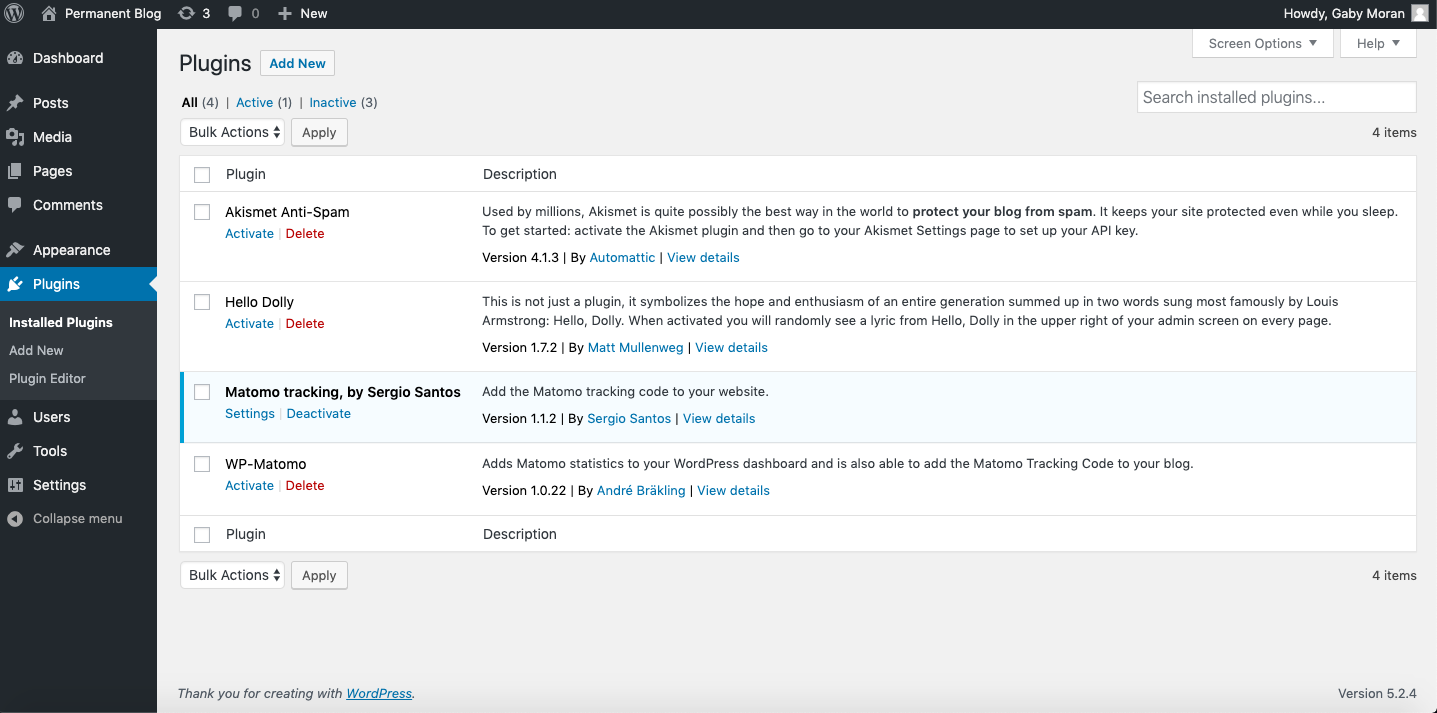
Plugins (or extensions) add features to WordPress: SEO, forms, e-commerce, security, caching… The official WordPress.org ecosystem lists tens of thousands of open-source plugins, the vast majority of which are free. Choosing well saves time, secures your site, improves user experience and your SEO.Targeted keywords: free WordPress plugins, best WordPress extensions, SEO plugins, WordPress cache, WordPress security, image optimization, WordPress forms, WooCommerce e-commerce.
Why These Plugins Are Essential
- SEO: tags, sitemap, structured data, redirects, everything that facilitates indexing.
- Performance: caching, minification, WebP/AVIF, lazy-load: essential for Core Web Vitals.
- Security: firewall, 2FA, scans: reduce risks related to plugin vulnerabilities and attacks.
- Conversion: reliable forms, robust e-commerce, integrated analytics.
Pro tip: start light (5–15 well-chosen plugins). Add as needed, remove what you don’t use.
Statistics & Key Figures
WordPress Market Share
WordPress powers ~43.4% of all websites and ~60.8% of sites using a CMS, according to W3Techs (updated daily).
Core Web Vitals (official thresholds)
| Metric | “Good” Threshold | Goal |
|---|---|---|
| LCP (Largest Contentful Paint) | ≤ 2.5 s | Perceived speed |
| INP (Interaction to Next Paint) | < 200 ms | Responsiveness |
| CLS (Cumulative Layout Shift) | < 0.1 | Visual stability |
Sources: W3Techs (WordPress market share); Google Developers (Core Web Vitals thresholds).
Top 20 Best Free WordPress Plugins
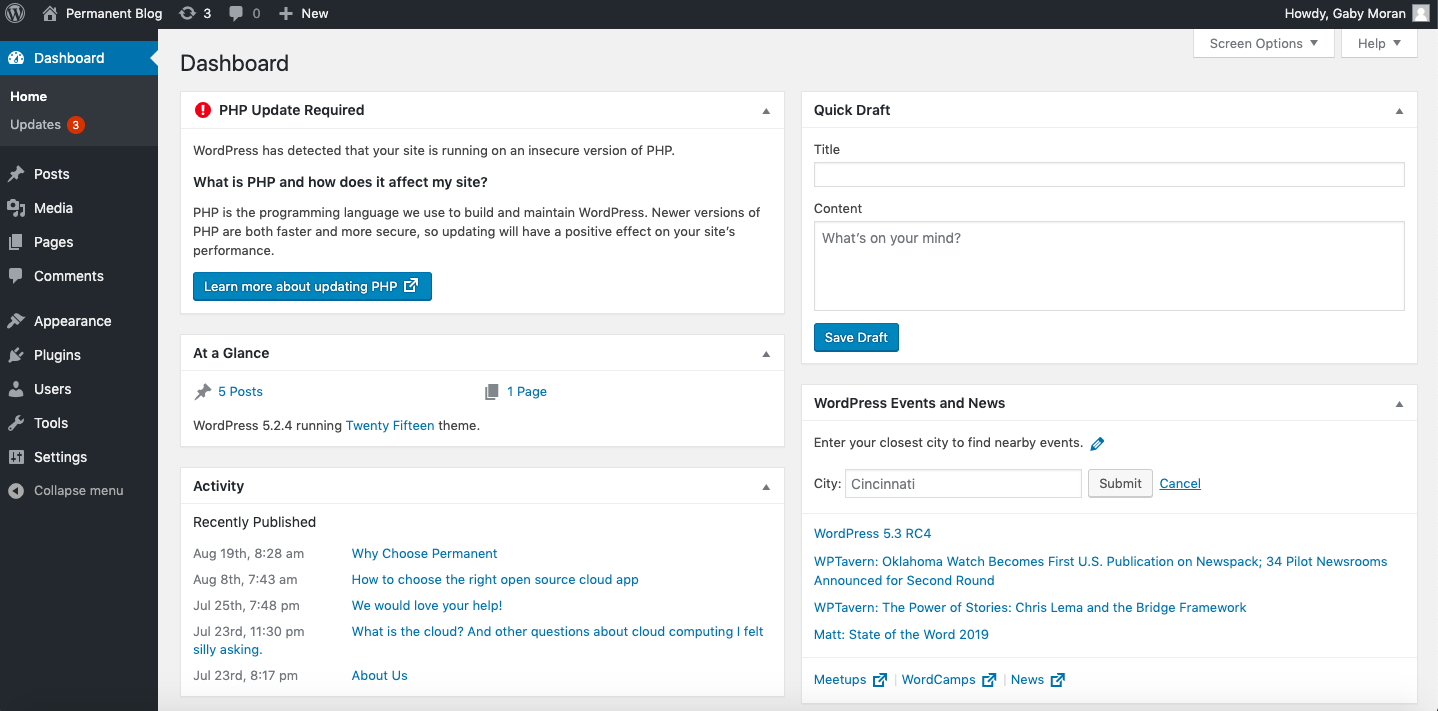
Selection tested and validated for a showcase site, a blog, an e-commerce or a media site. For each plugin: Why we like it, Limitations, Ideal for, Alternatives.
1) Yoast SEO SEO
Why we like it: essential tags, XML sitemap, breadcrumbs, pre-content analysis, clear basic settings.
Limitations: advanced features (full schemas, automatic redirects) in the premium version.
Ideal for: blogs, showcase sites, SMEs wanting a reliable SEO foundation.
Alternatives: Rank Math SEO, SEOPress, All in One SEO.Download on WordPress.org
2) Rank Math SEO SEO
Why we like it: rich in features in the free version (schemas, redirects, 404 monitor, WooCommerce integrations), setup assistant.
Limitations: many options: allow some time to get familiar with it.
Ideal for: growing sites, e-commerce, intensive content creators.
Alternatives: Yoast SEO, SEOPress.Download on WordPress.org
3) WooCommerce E-commerce
Why we like it: leading open-source e-commerce solution; extensible (payments, logistics, taxes), massive community.
Limitations: requires performance optimizations (cache, images, database) and good plugin hygiene.
Ideal for: shops of all sizes, D2C, publishers wanting to control data and SEO.
Alternatives: Easy Digital Downloads (digital products).Download on WordPress.org
4) Elementor (free) Builder
Why we like it: drag-and-drop, large library of widgets & templates, responsive editing.
Limitations: watch out for page weight if stacking too many widgets; Pro version for full theme builder.
Ideal for: SMEs, freelancers, creatives wanting to produce quickly without coding.
Alternatives: Gutenberg + GenerateBlocks, Spectra, Kadence Blocks.Download on WordPress.org
5) GenerateBlocks Gutenberg
Why we like it: lightweight blocks (Container, Grid, Headline, Buttons, Image), perfect for fast and clean pages.
Limitations: a bit more “low-level” than a full visual builder.
Ideal for: performance-focused sites, developers and integrators.Download on WordPress.org
6) Contact Form 7 Forms
Why we like it: widely used, very extensible (CF7 addons), flexible via shortcodes and HTML.
Limitations: minimal interface; advanced features via extensions.
Ideal for: technical sites or agencies wanting fine control.
Alternatives: WPForms Lite, Ninja Forms (free), Forminator.Download on WordPress.org
7) WPForms Lite Forms
Why we like it: drag-and-drop builder, ready-to-use templates, very accessible for beginners.
Limitations: some marketing & payment integrations in the Pro version.
Ideal for: SMEs and solopreneurs who want to quickly publish clean forms.Download on WordPress.org
8) Site Kit by Google Analytics
Why we like it: GA4, Search Console, PageSpeed Insights, AdSense: all Google tools in one place, clear dashboard.
Limitations: remains an aggregator: for advanced analysis, go directly to GA4 / GSC.
Ideal for: all sites that want simple and reliable tracking.Download on WordPress.org
9) UpdraftPlus Backup
Why we like it: scheduled backups, one-click restore, sends to Drive/Dropbox/S3, simple migration.
Limitations: some advanced features (instant cloning, guided migrations) are premium.
Ideal for: all sites; it’s the WordPress safety belt.Download on WordPress.org
10) Wordfence Security
Why we like it: firewall, malware scan, IP blocking, 2FA, alerts; excellent signature base.
Limitations: firewall in “learning mode” to optimize; can be verbose in logs.
Ideal for: exposed sites, e-commerce, media.Download on WordPress.org
11) Solid Security (formerly iThemes) Security
Why we like it: 2FA, password policies, brute force protection, hardening entry points.
Limitations: the set is complete; take the time to go through the assistant.
Ideal for: SMEs, multi-author sites.Download on WordPress.org
12) Smush – Image Optimization Performance
Why we like it: lossless compression, resizing, lazy-load, WebP/AVIF conversion.
Limitations: advanced quotas/bulk in Pro version; monitor quality when using strong compression.
Ideal for: sites with high image volume (blog, media, e-commerce).Download on WordPress.org
13) ShortPixel Image Optimizer Performance
Why we like it: powerful compression, WebP/AVIF, bulk processing.
Limitations: limited free monthly credits; requires an API key.
Ideal for: photo sites, portfolios, shops.Download on WordPress.org
14) Autoptimize Performance
Why we like it: CSS & JS minification/aggregation, HTML optimization, Google Fonts, lazy-load images.
Limitations: test after activation (theme/JS compatibility); make backups beforehand.
Ideal for: any site aiming for good Core Web Vitals.Download on WordPress.org
15) LiteSpeed Cache Cache
Why we like it: page cache, CSS/JS optimizations, image/webp, QUIC.cloud CDN, ESI, crawler.
Limitations: ideal on LiteSpeed/OpenLiteSpeed server; also works without but with fewer server cache options.
Ideal for: sites on LiteSpeed-compatible hosts, e-commerce.Download on WordPress.org
16) W3 Total Cache Cache
Why we like it: page/object/database cache, minify, CDN, fine-tuning; respected veteran.
Limitations: dense interface; test options one by one.
Ideal for: sites with sustained traffic wanting advanced control.Download on WordPress.org
17) Redirection SEO
Why we like it: simple management of 301s, 404 tracking, import/export, conditional rules.
Limitations: watch out for redirect chains/loops; keep it clean.
Ideal for: migrations, redesigns, URL corrections.Download on WordPress.org
18) Antispam Bee Comments
Why we like it: effectively blocks spam without captcha, respects privacy (GDPR friendly).
Limitations: dedicated to comments (not contact forms).
Ideal for: blogs, media with active comments.Download on WordPress.org
19) Polylang Multilingual
Why we like it: creates a multilingual site relying on native taxonomies; URL management, hreflang and switcher.
Limitations: for WooCommerce, the dedicated extension is paid; define your workflows well.
Ideal for: bilingual to multi-language sites, international SEO.Download on WordPress.org
20) WP Mail SMTP Email
Why we like it: ensures reliable email sending (SMTP/API), perfect for forms, orders, notifications.
Limitations: some integrations (advanced logs, routing) in Pro; prefer reputable providers.
Ideal for: any site that “must” send emails (contact, quotes, orders).Download on WordPress.org
Architecture tip: avoid installing 2 plugins that do the same thing (e.g. two caches, two SEO). Conflicts and slowdowns guaranteed.
Quick Comparison Table
| Need | Recommended (free) | Alternatives |
|---|---|---|
| SEO | Yoast SEO or Rank Math | SEOPress, All in One SEO |
| Cache | LiteSpeed Cache (if server compatible) / W3 Total Cache | WP Super Cache |
| Images | Smush / ShortPixel | EWWW Image Optimizer, Imagify |
| Forms | WPForms Lite / Contact Form 7 | Forminator, Ninja Forms |
| Security | Wordfence / Solid Security | All In One WP Security & Firewall |
| Multilingual | Polylang | TranslatePress (basic free version) |
| E-commerce | WooCommerce | Easy Digital Downloads (digital) |
| Tracking | Site Kit by Google | Independent Analytics |
| Redirections | Redirection | 301 Redirects |
| WP Mail SMTP | Post SMTP (keep updated), FluentSMTP |
Best Practices for Installation & Maintenance
1) Choose with Confidence
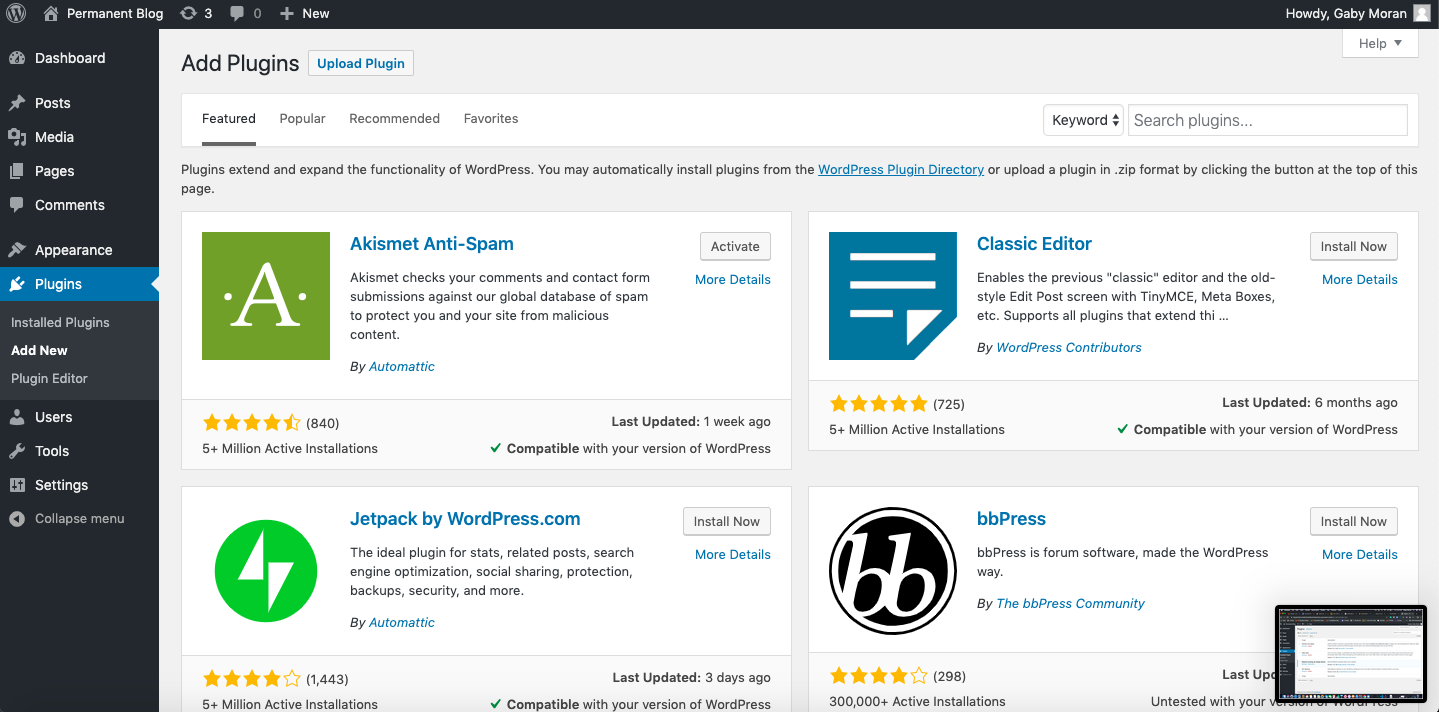
- Favor plugins from the official WordPress.org repository.
- Check compatibility with your WordPress and PHP versions.
- Look at update frequency and recent reviews.
2) Performance & CWV
- Activate only what is essential; delete inactive plugins.
- Measure (Search Console, PageSpeed Insights) after each change.
- Prioritize optimizing cache + images + fonts (LCP/INP/CLS).
3) Security & Backups
- Enable a firewall + 2FA (Wordfence / Solid Security).
- Schedule automatic backups (UpdraftPlus).
- Manage user roles; update quickly.
Go further: check out our WordPress SEO and performance improvement guides (Core Web Vitals, cache, CDN).
Trends & Developments
- INP replaces FID in Core Web Vitals: focus on real responsiveness (avoid blocking JS, heavy widgets).
- Blocks & performance: the Gutenberg ecosystem is growing (GenerateBlocks, Spectra) with a “lightweight” focus.
- Next-gen images: WebP/AVIF are becoming the standard on the WordPress side (Smush, ShortPixel – and even CDNs).
- Security: having fewer, better-maintained plugins reduces risk. Install 2FA and update promptly.
FAQ – Free WordPress Plugins
What is a WordPress plugin?
An extension that adds functionality to WordPress without touching the core (SEO, forms, cache, security…).
What are the best free SEO plugins?
Yoast SEO and Rank Math SEO cover the essentials: tags, sitemap, schemas, redirects. Choose one, not both.
Cache: LiteSpeed Cache or W3 Total Cache?
On LiteSpeed/OpenLiteSpeed servers, LiteSpeed Cache has the advantage (server cache + QUIC.cloud). Otherwise, W3 Total Cache remains an excellent choice.
Which plugins to speed up a site?
Winning combo: LiteSpeed Cache/W3TC + Autoptimize + Smush or ShortPixel, all measured with PageSpeed Insights.
How many plugins can I install?
No magic number. Quality > quantity. 5–15 well-chosen extensions are often enough. Remove inactive ones.
Which plugins for a multilingual site?
Polylang in free version works very well for most cases. TranslatePress can be a simple alternative.
How to secure my site with free plugins?
Install Wordfence or Solid Security, enable 2FA, keep everything up to date, and schedule backups with UpdraftPlus.
Reliable sources & resources
- W3Techs – WordPress usage statistics
- Google Developers – Core Web Vitals (official thresholds)
- Yoast SEO – WordPress.org plugin page
- Rank Math – WordPress.org plugin page
- WooCommerce – WordPress.org plugin page
- Elementor – WordPress.org plugin page
- Site Kit by Google – WordPress.org plugin page
- UpdraftPlus – WordPress.org plugin page
- Wordfence – WordPress.org plugin page
- Solid Security – WordPress.org plugin page
- LiteSpeed Cache – WordPress.org plugin page
- W3 Total Cache – WordPress.org plugin page
- Autoptimize – WordPress.org plugin page
- Smush – WordPress.org plugin page
- ShortPixel – WordPress.org plugin page
- Redirection – WordPress.org plugin page
- Polylang – WordPress.org plugin page
- WP Mail SMTP – WordPress.org plugin page
Conclusion
With these 20 free plugins, you cover 90% of the needs of a modern WordPress site: SEO, speed, security, forms, e-commerce, data. The secret is not to pile on more and more, but to choose wisely, measure, and maintain.
Want a quick audit of your plugins? Review your needs, disable the unnecessary, then test your Core Web Vitals. And if you hesitate, start with this trio: LiteSpeed Cache/W3TC + Autoptimize + Smush/ShortPixel, plus just one SEO plugin.
