

When Google reports that a URL is « Crawled – Currently Not Indexed », it means that the crawl bot has indeed visited the page, but has left it aside in its index. You then find yourself in a gray area: your page exists in Google’s eyes, it is technically accessible, yet it generates no organic traffic. How to diagnose these blockages and what actions to take to turn a dormant page into visible content? This article outlines the key steps to understand the problem, analyze it in depth, and optimize your page for indexing.
📌 Status « Crawled – Currently Not Indexed »: the page has been crawled, but Google has not deemed it appropriate to add it to the index for now.
⚡ Common causes: technical errors (4xx codes, noindex tags), thin or duplicate content, insufficient authority.
🔧 Priority actions: audit via Google Search Console, semantic enrichment, HTML structure optimization, and strengthening internal links.
Somaire
What is the « Crawled – Currently Not Indexed » status?
In the processing chain of a web page by Google, indexing occurs after crawling. When you check the coverage report in Search Console, several statuses may appear: « Valid », « Excluded », or « Error ». The one we are interested in here is listed among the « Excluded » pages: they have been crawled but are not in the index. Unlike a 404 error, this situation is not an absolute technical blockage: Google simply reserves the right to later evaluate whether this page deserves to be indexed.
In practice, this status can persist for a few days, or even several weeks, without any new notification. Understanding why your page is temporarily excluded makes all the difference between waiting expectantly and acting to redirect Google’s bot.
Main reasons for crawling without indexing
Technical issues during crawl
A forgotten <meta name="robots" content="noindex"> tag in the HTML code, an HTTP header « X-Robots-Tag: noindex » or even chained redirects can cause Google not to retain the page. Sometimes, server errors (5xx codes) or too high response times disrupt the crawl, which would force Google to queue the page.
- noindex tags mistakenly inserted in the template.
- Multiple redirects generating URL echo.
- Loading times > 3 seconds or sporadic errors (5xx).
Quality and Relevance of Content
When Google considers that a page does not provide enough new or useful elements, it remains on hold. This is the case for “thin” pages – a few lines of text, a product block without unique description – or content very similar to already indexed pages. Google’s algorithms favor pages offering real added value.
| Criterion | Minimal Page | Optimized Page |
|---|---|---|
| Length | 200 – 300 words | 800 – 1,200 words |
| Multimedia | No images | Images, infographics |
| Originality | Reuse of external content | Unique and in-depth text |
Authority and Internal Linking
An isolated page, without significant internal links or external backlinks, will struggle to convince Google to include it. The linking structure must guide the bot towards key pages, and natural links (sites, blogs, forums) strengthen authority. Without this trust signal, your page will remain in limbo despite relevant content.
How to Diagnose and Solve the Problem
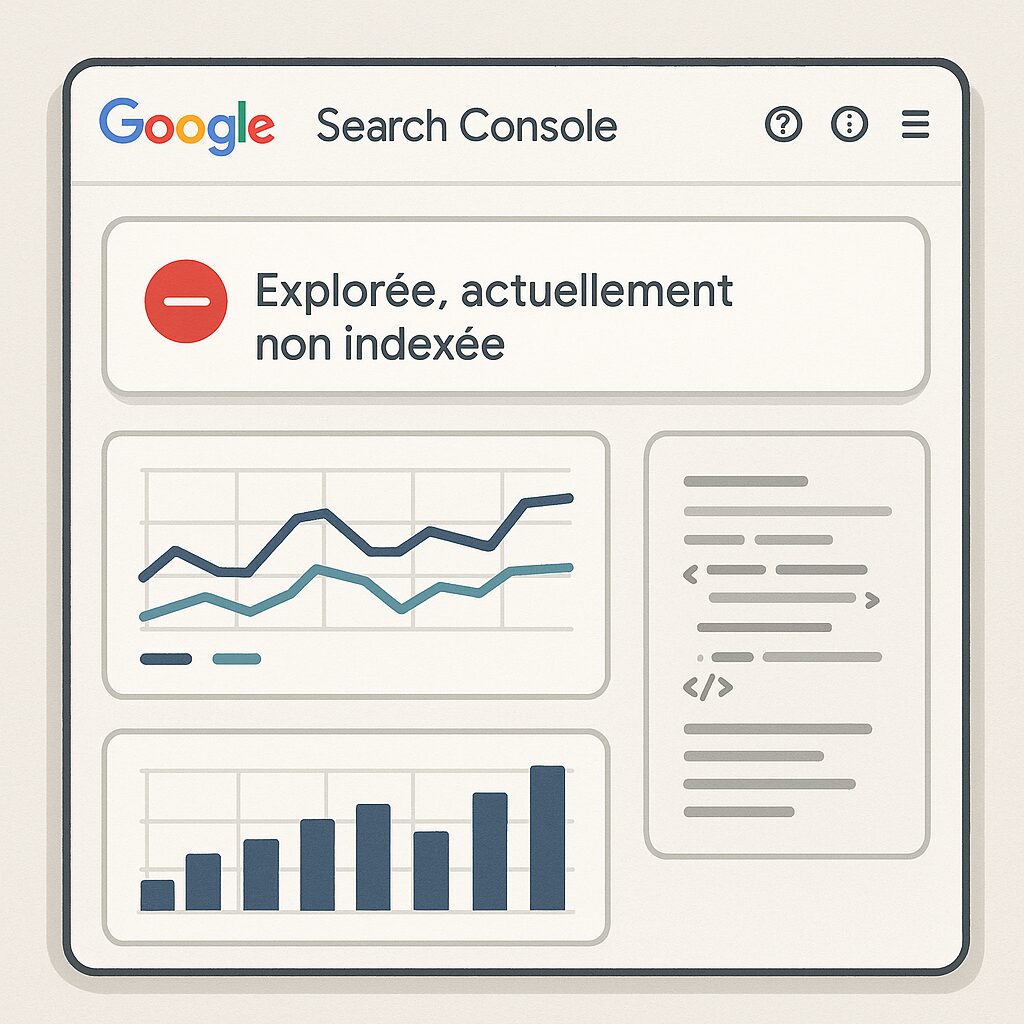
The starting point is always Google Search Console: the “Coverage” section allows you to filter by the status “Crawled – currently not indexed.” Click on the URL to access the URL inspection and identify blocking elements. You will see any error codes, noindex tags, and the page rendering as perceived by Googlebot.
Step 1: Check Tags and Headers
Examine the source code directly or use a tool like Screaming Frog to detect any noindex tags. Also identify HTTP headers that may contain “X-Robots-Tag.” Remove or correct unwanted directives, then request a new crawl via Search Console.
Step 2: Enrich and Diversify Content
If your text is judged too brief or superficial, add detailed sections: case studies, testimonials, concrete figures, **infographics** or **explanatory videos**. The goal is to go beyond simple description and provide expertise. Review your editorial plan: each subtitle must answer a specific user question.
Step 3: Strengthen Linking and Obtain Backlinks
Integrate internal links from high-value articles to the non-indexed page. You can also seek a partnership or mention on a specialized blog to generate backlinks. Authority is partly measured by these “votes of confidence” coming from outside.
Best Practices to Ensure Long-Term Indexing
-
Semantic Structure: respect the hierarchy from
<h1>to<h3>to facilitate content understanding. - XML Sitemap: regularly update your sitemap and submit it in Search Console.
- Technical Performance: monitor loading speed (Core Web Vitals), disable blocking scripts, prioritize robust hosting.
- Fresh Content: plan quarterly updates to maintain relevance and avoid depreciation.
FAQ
-
Why does my page remain in crawled but not indexed status?
Several factors can play a role: blocking directives (noindex), sparse content, lack of links, or prioritization by Google based on resources. -
How long should I wait before requesting a new indexing?
After correction, allow a few hours up to 48 hours before requesting a re-crawl via Search Console. -
Should I create longer content each time?
Length should primarily serve user interest; prefer to include subtopics, concrete examples, and relevant visuals. -
How do I measure the impact of my optimizations?
Monitor the coverage report, the number of indexed URLs, and compare organic traffic before and after optimization on Google Analytics.
