
| Key Points | Details to Remember |
|---|---|
| 🔌 Cable Failure | Check the cable (no loose connections) |
| 💻 USB Port | Test different ports and connection modes |
| 📱 Phone Settings | Enable file transfer or debugging mode |
| 🛠 Drivers | Install or update via Device Manager |
| 🔍 System Diagnostics | Analyze errors in the operating system |
| ⏱ Quick Repair | Follow the steps in 10 minutes flat |
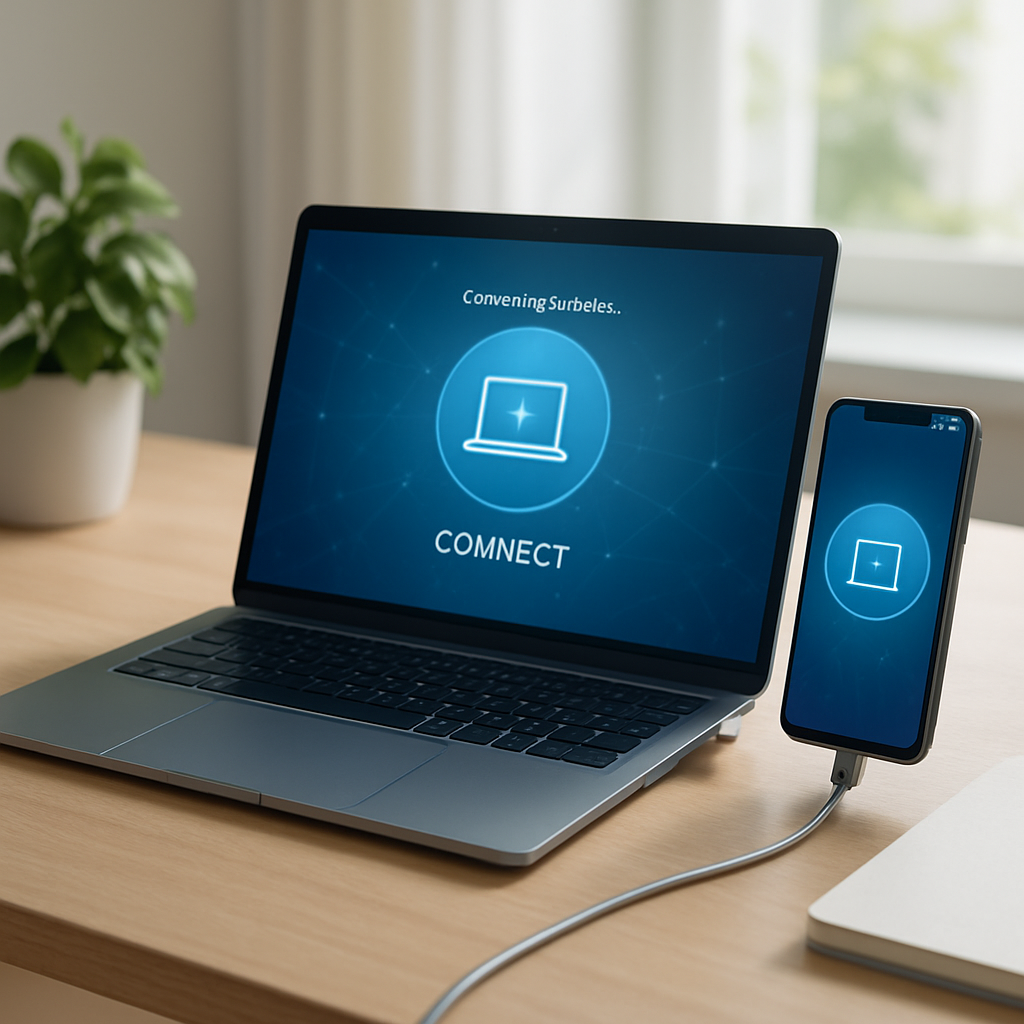
Your computer stubbornly refuses to recognize your phone as soon as you plug in the cable? Quite frustrating when you want to transfer photos, sync files, or simply charge the device. Before panicking and reinstalling Windows, let’s review the possible causes and apply a quick protocol, in about ten minutes, to restore this finicky USB connection.
Somaire
Common Causes of a Faulty USB Connection
Cable: The Weak Link
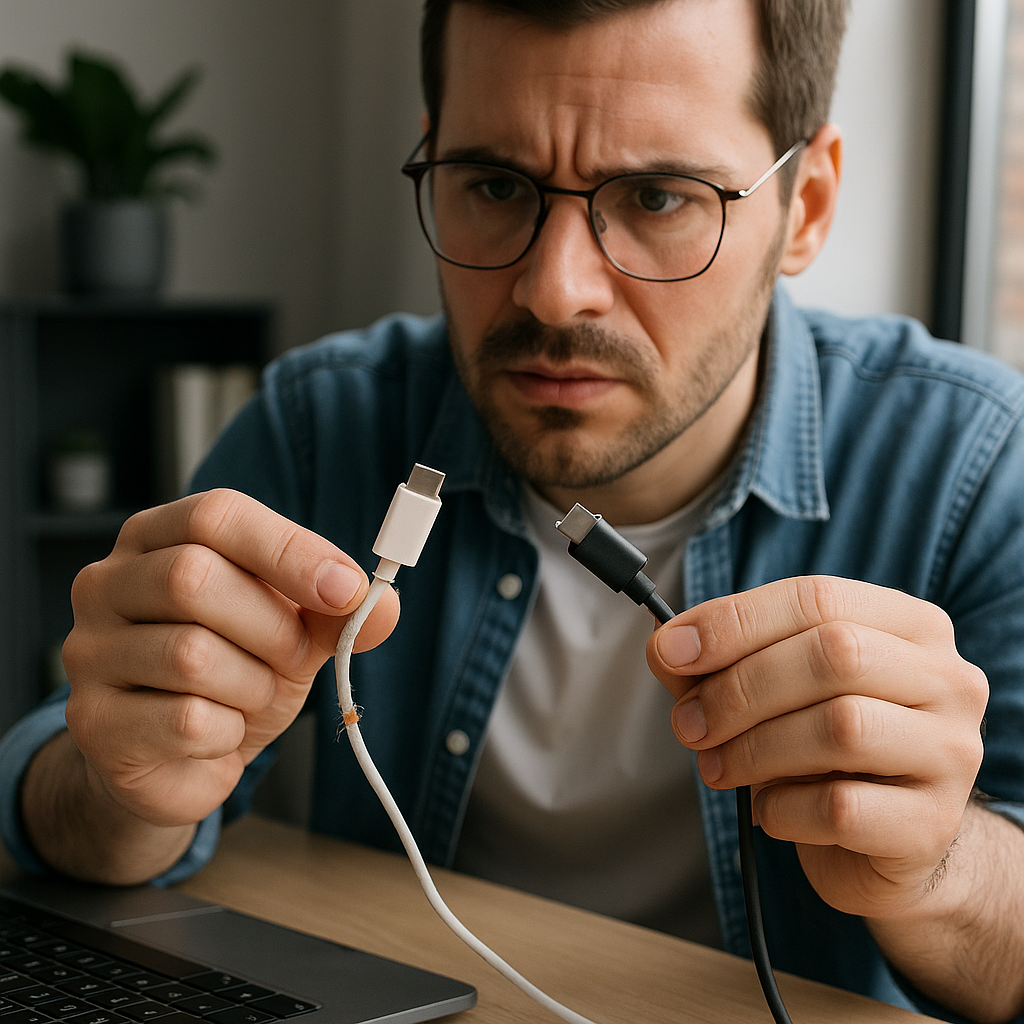
You might think a USB cable is indestructible, yet every twist or wear eventually damages it. A frayed red wire inside, a poorly fitted port, or a cracked sheath is enough to interrupt the connection. Before any other action, visually inspect the cable, feel the ends to ensure they don’t move too much, and check the quality of the pin contacts.
Defective USB Port
USB ports have a limited lifespan and, over time, connections can deteriorate or accumulate dust. Try another port, at the front or back of the tower, or even on a powered hub: if detection returns, the original port probably has a loose contact or hardware issue.
Wrong Connection Mode on the Phone
Not all smartphones behave the same way once connected to a PC. Some remain in “charge only” mode. You then need to explicitly select the “File Transfer” (MTP) or “Camera” (PTP) mode in the notification bar. On Android, the dropdown menu often includes this option, while on iOS, iTunes or Finder (macOS) must be open to trigger recognition.

Missing or Corrupted USB Drivers
With Windows, driver installation is automatic, but sometimes they install incorrectly or get corrupted during a system update. Go to the Device Manager: a yellow exclamation mark under “Universal Serial Bus controllers” or “Mobile devices” means you need to reinstall or update the driver. Right-click, choose “Update driver” or uninstall it to force Windows to reinstall it at the next connection.

Software or System Conflicts
- Overzealous antivirus or firewall blocking the MTP protocol.
- Virtualization software (VMware, VirtualBox) redirecting the USB connection.
- Enterprise security settings or ENT misconfigured after connecting to Toutatice.
Make sure to temporarily disable any security software and close virtual machines before testing the connection again.
Fix the Connection in 10 Minutes
Step 1: Change Cable and Port
Always start with the simplest: replace the cable and switch to another USB port or another PC. If you have a cable or charger from a blacklisted phone unlocking, compare it to the original to see if it works better. This step quickly rules out any physical problem.
Step 2: Enable File Transfer Mode
On Android, go to Settings → System → Developer options and enable “USB Debugging” if you want extended rights (install APKs, access logs). Otherwise, in the USB connection list, choose “File Transfer” for simple data exchange.
Step 3: Update or Reinstall Drivers
Open Device Manager (Win+X → Device Manager), locate your device under “Mobile devices” or “Universal Serial Bus controllers.” Right-click → Update driver → Search automatically. If that doesn’t work, uninstall, unplug, then plug back in to force Windows to reinstall. No need to look elsewhere, this is often sufficient.
Step 4: Check for Software Conflicts
If you have already configured a rotating proxy configuration or a VPN, these network layers can interfere. Temporarily disable them or remove filtering rules specific to USB ports.
Step 5: Restart and Diagnose
First restart your smartphone, then your computer. During boot, plug in the cable: Windows can then detect a new device and automatically install the necessary components. If the problem persists despite everything, check the Event Viewer (Win+R then eventvwr.msc) under “Windows Logs” → “System” for USB-related error messages.

FAQ
Why does my phone charge but not get detected on PC?
Charging only requires the power pins (+5 V, GND) while data transfer uses differential pins (D+ and D–). Your cable or port may supply current without ensuring the connection of data circuits.
How to restore the USB driver to factory settings?
In Device Manager, uninstall all USB controllers, restart the computer, then let Windows reinstall the default drivers.
My smartphone runs iOS: is iTunes necessary?
Yes, even on Windows, iTunes installs the necessary drivers for detecting the iPhone. Make sure the Apple Mobile Device service is active and up to date.
